Apple rarely reveals everything about a macOS update during its official announcements. While keynote events highlight polished features meant for the public, early macOS builds often tell a different story. These builds, usually intended for developers and internal testing, contain unfinished tools, disabled settings, and experimental features that hint at Apple’s broader plans for the Mac ecosystem.
The upcoming macOS update is already showing signs of bigger changes under the surface. From more intelligent system behavior to tighter security controls and subtle interface refinements, early builds suggest Apple is focused on long-term evolution rather than flashy redesigns. Understanding these hidden features helps users and developers see where macOS is heading before it officially arrives.
Why Early macOS Builds Are Important
Early builds act as a testing ground for Apple’s ideas. They allow engineers to experiment with features that may or may not ship in the final release. These builds are also tailored to prepare macOS for future hardware, especially as Apple continues to push the limits of Apple Silicon.
Not every hidden feature is meant for public use. Some are placeholders, while others are disabled due to performance or stability concerns. Still, their presence reveals Apple’s priorities, especially when the same features appear consistently across multiple builds.
Changes to Window Management and Multitasking
Advanced Window Snapping Options
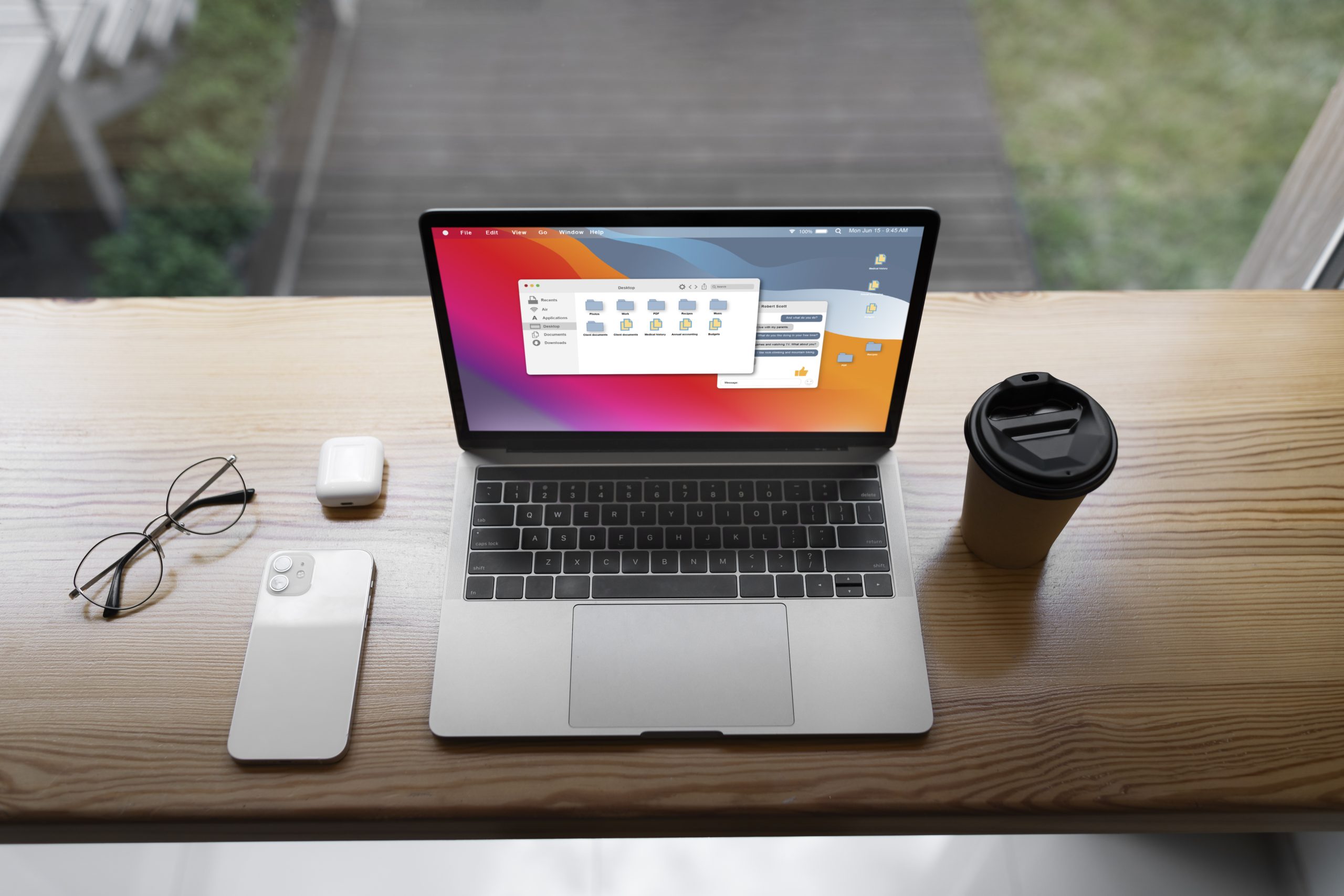
One of the most noticeable hidden changes involves window management. Early builds include references to enhanced snapping behavior that goes beyond the current Split View and Stage Manager system. These features appear to allow more precise placement of windows, including edge snapping, corner snapping, and predefined layouts.
This suggests Apple is exploring better multitasking tools for users who work with multiple apps at once. Developers, designers, and productivity-focused users have long requested more control over window placement, and Apple seems to be quietly addressing this.
Keyboard-Based Window Controls
Hidden settings also indicate expanded keyboard shortcuts for resizing and positioning windows. This would allow users to manage their workspace without relying on the mouse or trackpad. Apple has historically favored minimal keyboard complexity, so testing these features in early builds helps refine usability without overwhelming casual users.
Deeper Apple Intelligence Integration
On-Device AI Services
Early macOS builds reveal new background processes linked to Apple’s on-device intelligence framework. These services appear designed to improve system awareness without sending data to the cloud. Possible functions include more brilliant app suggestions, enhanced Spotlight search results, and context-based system actions.
By keeping these processes local, Apple maintains its privacy-first approach while still delivering AI-powered features. This is especially effective on Apple Silicon Macs, which include dedicated neural engines for such tasks.
Impact on Older Macs
Some of these AI-related features appear optimized for newer chips. While older Macs may still receive the update, they might not support all intelligent behaviors. This highlights Apple’s gradual shift toward hardware-dependent features rather than universal software parity.
Hidden Security and Privacy Enhancements
More Granular App Permissions
Security-focused users will appreciate the expanded permission controls found in early builds. These include more detailed tracking of clipboard usage, temporary file access, and background network activity. While these controls are not yet visible in System Settings, their presence suggests Apple plans to give users greater transparency.
This approach aligns with Apple’s recent emphasis on user consent and app accountability. By refining these controls behind the scenes, Apple can roll them out smoothly when they are ready.
System-Level Security Improvements
Some changes are invisible but critical. Early builds include updates to memory protection frameworks and app sandboxing rules. These improvements make it harder for malicious software to exploit system vulnerabilities. Apple often avoids advertising such changes, but they play a significant role in keeping macOS secure.
Signs of Upcoming Hardware Support
Unreleased Mac Identifiers
Hidden system files reference Mac models that do not exist publicly. This is a common sign that Apple is preparing new hardware. These identifiers may correspond to updated MacBooks, desktop Macs with expanded capabilities, or entirely new configurations designed for Apple Silicon.
macOS updates are often timed with hardware launches, and early builds must support these devices long before they are announced.
Better External Display Handling
Another hidden improvement involves external monitor support. Early builds suggest better handling of high refresh rates, dynamic scaling, and multi-display configurations. This is especially relevant for professional users who rely on complex monitor setups for work.
Subtle Interface Changes
Smoother Animations
While the overall design of macOS may not change dramatically, early builds include updated animations for opening apps, switching desktops, and entering full-screen mode. These refinements improve responsiveness and make the system feel more fluid, even if users don’t consciously notice the difference.
Apple often fine-tunes these details late in development, which is why they rarely appear in official previews.
Context-Aware Menus
Some menus in early builds appear to adapt based on user behavior. Options may appear or disappear depending on how often specific actions are performed. This suggests Apple is experimenting with adaptive interfaces that reduce clutter while still offering advanced options when needed.
Developer-Focused Enhancements
Undocumented APIs
Developers exploring early builds have discovered new APIs that are not yet documented. These relate to background task handling, file system monitoring, and accessibility improvements. Apple often introduces APIs quietly before officially supporting them in later releases.
These additions indicate that Apple is laying the groundwork for future app capabilities, even if developers cannot use them immediately.
Improved Performance Analysis Tools
Hidden developer tools suggest better ways to monitor energy usage, thermal performance, and memory pressure. This is especially important as Apple encourages developers to optimize apps for Apple Silicon efficiency.
Why Apple Keeps These Features Hidden
Apple avoids announcing unfinished features to prevent disappointment if plans change. Testing features privately allows the company to refine them without public scrutiny. It also enables gradual rollouts through more minor updates rather than overwhelming users with significant changes all at once.
What This Means for Mac Users
Not every Mac will support every new feature. As macOS becomes more advanced, hardware capabilities play a bigger role. Users with newer Macs will likely benefit the most, while older systems may receive a more limited experience.
Overall, the hidden features suggest a macOS that is becoming smarter, more secure, and more efficient. Apple is focusing on long-term improvements rather than short-term spectacle.
Final Thoughts
Early macOS builds offer a rare glimpse into Apple’s development process. The hidden features found so far show a clear focus on intelligence, privacy, multitasking, and hardware integration. Even if some of these features never reach the final release, they influence the direction macOS is taking.
For users, this means a more refined and capable operating system. For developers, it signals new opportunities and challenges ahead. As the official release approaches, some hidden features will surface, others will evolve, and a few will quietly disappear. Still, together they show that Apple is steadily shaping the future of the Mac.

