In today’s digital world, smartphones have become an essential part of everyday life. From banking and communication to accessing government services, everything is now just a few taps away. But as convenience grows, so do the risks. Cybercriminals are constantly finding new ways to exploit users, and one of the most dangerous trends right now is the rise of Android trojans disguised as trusted apps—especially government services and popular platforms like Starlink.
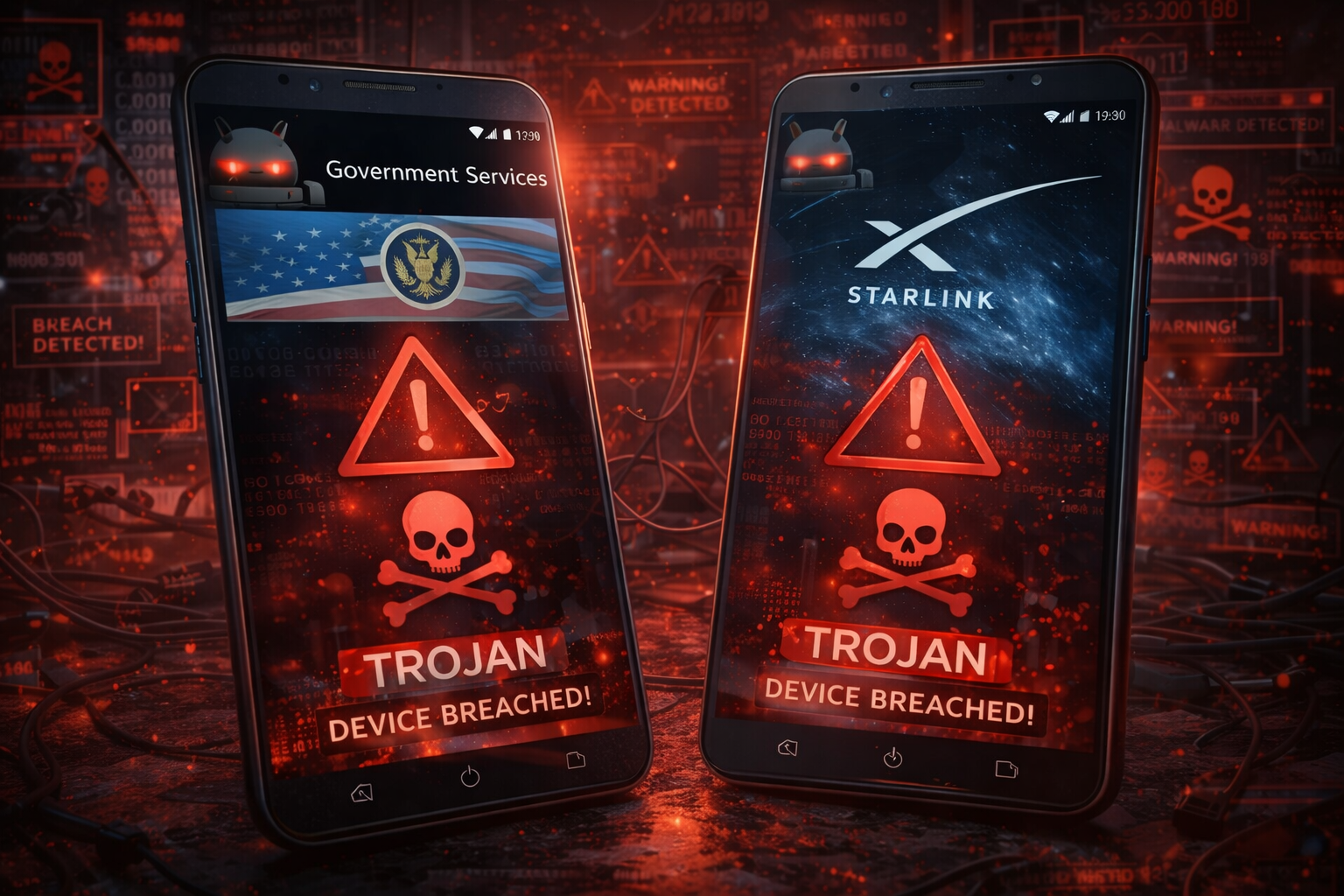
This type of malware is not just another nuisance. It is designed to steal sensitive information, spy on users, and even take full control of devices. What makes it more alarming is how convincingly these fake apps mimic legitimate ones, making it difficult for even careful users to detect the threat. Let’s break down what this threat is, how it works, and how you can stay protected.
What Is an Android Trojan?
An Android trojan is a type of malicious software that pretends to be a legitimate app. Unlike viruses that spread automatically, trojans rely on users to install them. They often come disguised as useful tools, updates, or official apps.
Once installed, a trojan can perform a variety of harmful actions, such as:
-
Stealing personal data like passwords and OTPs
-
Monitoring messages and calls
-
Accessing banking apps
-
Recording keystrokes
-
Installing additional malware without permission
The biggest danger is that users unknowingly give these apps permission, allowing attackers to operate silently in the background.
Why Government and Starlink Apps Are Being Targeted
Cybercriminals carefully choose what to impersonate. Government apps and Starlink services are currently popular targets for a few key reasons.
1. High Trust Factor
People tend to trust government-related apps without much suspicion. Whether it’s for identity services, tax filing, or public schemes, users often assume these apps are safe.
2. Growing Popularity of Starlink
As satellite internet gains attention, many users are searching for Starlink-related apps or updates. Attackers exploit this curiosity by creating fake apps that look official.
3. Wide User Base
Both government services and internet-related apps attract millions of users. This increases the chances of victims falling for fake versions.
4. Urgency and Fear Tactics
Fake apps often claim urgent updates or important notifications, pushing users to install them quickly without verifying authenticity.
How These Fake Apps Trick Users
The success of these trojans lies in their ability to look real. Here are some common tactics used:
Realistic App Design
Fake apps often copy logos, colors, and layouts of official applications. At first glance, they appear identical.
Fake Websites and Links
Users are directed to download apps from websites that look like official government portals or service providers.
SMS and Messaging Campaigns
Attackers send messages claiming things like:
-
“Your government account needs verification”
-
“Download the latest Starlink app update”
-
“Important service alert”
These messages include malicious download links.
Third-Party App Stores
Instead of the official app store, users are encouraged to install apps from unknown sources.
What Happens After Installation?
Once the trojan is installed, it starts working immediately—often without any visible signs.
Permission Abuse
The app may ask for permissions like:
-
Access to SMS
-
Accessibility services
-
Storage access
These permissions allow it to read messages, capture OTPs, and monitor activity.
Data Theft
Sensitive information such as login credentials, banking details, and personal data is collected and sent to remote servers.
Screen Overlay Attacks
Some trojans display fake login screens over real apps to capture usernames and passwords.
Remote Control Access
Advanced trojans allow attackers to control the device remotely, making it possible to perform actions without the user’s knowledge.
Financial Fraud
With access to OTPs and banking apps, attackers can carry out unauthorized transactions.
Signs Your Device May Be Infected
While many trojans try to stay hidden, there are some warning signs you should watch for:
-
Sudden battery drain
-
Unusual data usage
-
Unknown apps installed on your device
-
Frequent crashes or slow performance
-
Pop-ups or screens appearing unexpectedly
-
SMS messages sent without your knowledge
If you notice any of these, it’s important to act quickly.
Real-World Impact of These Attacks
This is not just a theoretical threat. Many users have already fallen victim to such scams. Reports suggest that attackers have successfully used fake government apps to steal financial data and identity details.
In some cases, users lost access to their bank accounts within minutes after installing a malicious app. Others had their personal information leaked or misused.
The most worrying part is that these attacks are becoming more sophisticated, making them harder to detect.
How to Protect Yourself
Staying safe does not require advanced technical knowledge. Simple precautions can significantly reduce your risk.
Download Apps Only from Official Sources
Always use trusted app stores like the official Google Play Store. Avoid downloading APK files from unknown websites.
Verify the Developer Name
Before installing any app, check who developed it. Fake apps often use similar but slightly altered names.
Check Reviews and Ratings
Look at user feedback. Poor reviews or suspicious comments can be a red flag.
Avoid Clicking Unknown Links
Do not click on links received via SMS or messaging apps unless you are sure they are legitimate.
Limit App Permissions
Be cautious when granting permissions. If an app asks for unnecessary access, it’s best to avoid it.
Keep Your Device Updated
Regular updates include security patches that protect against known threats.
Use Mobile Security Software
A reliable security app can help detect and block malicious activity.
What to Do If You Are Infected
If you suspect that your phone has been compromised, take immediate action:
1. Disconnect from the Internet
Turn off Wi-Fi and mobile data to stop further data transfer.
2. Uninstall Suspicious Apps
Remove any unknown or recently installed apps.
3. Change Your Passwords
Update passwords for all important accounts, especially banking and email.
4. Contact Your Bank
If you suspect financial data has been exposed, inform your bank immediately.
5. Reset Your Device
As a last resort, perform a factory reset to remove all malware.
The Role of Awareness
Technology alone cannot solve this problem. Awareness is the strongest defense. Many users fall victim not because they lack tools, but because they are unaware of the risks. Understanding how these scams work makes it much easier to avoid them. Cybercriminals rely on human error more than technical loopholes. A single careless click can open the door to serious consequences.
Why This Threat Will Continue to Grow
The rise of digital services means more opportunities for attackers. As more people rely on mobile apps for essential tasks, the incentive for cybercriminals increases. New technologies and platforms will continue to emerge, and attackers will adapt accordingly. Today it’s government services and Starlink apps—tomorrow it could be something else. This is why staying informed and cautious is more important than ever.
Final Thoughts
Android trojans disguised as government services and Starlink apps represent a serious and evolving cyber threat. They exploit trust, curiosity, and urgency to trick users into compromising their own devices. The good news is that with the right habits and awareness, you can protect yourself effectively. Always verify before you install, think before you click, and stay alert to unusual behavior on your device. In a world where digital threats are becoming more advanced, a little caution can go a long way in keeping your data—and your peace of mind—safe.

