In today’s digital world, malware is no longer a rare threat—it’s everywhere. From suspicious downloads to hidden scripts on websites, malicious software can sneak into your system without warning. Once inside, it can steal data, slow down your device, or even lock you out completely. That’s where malware removal tools come in.
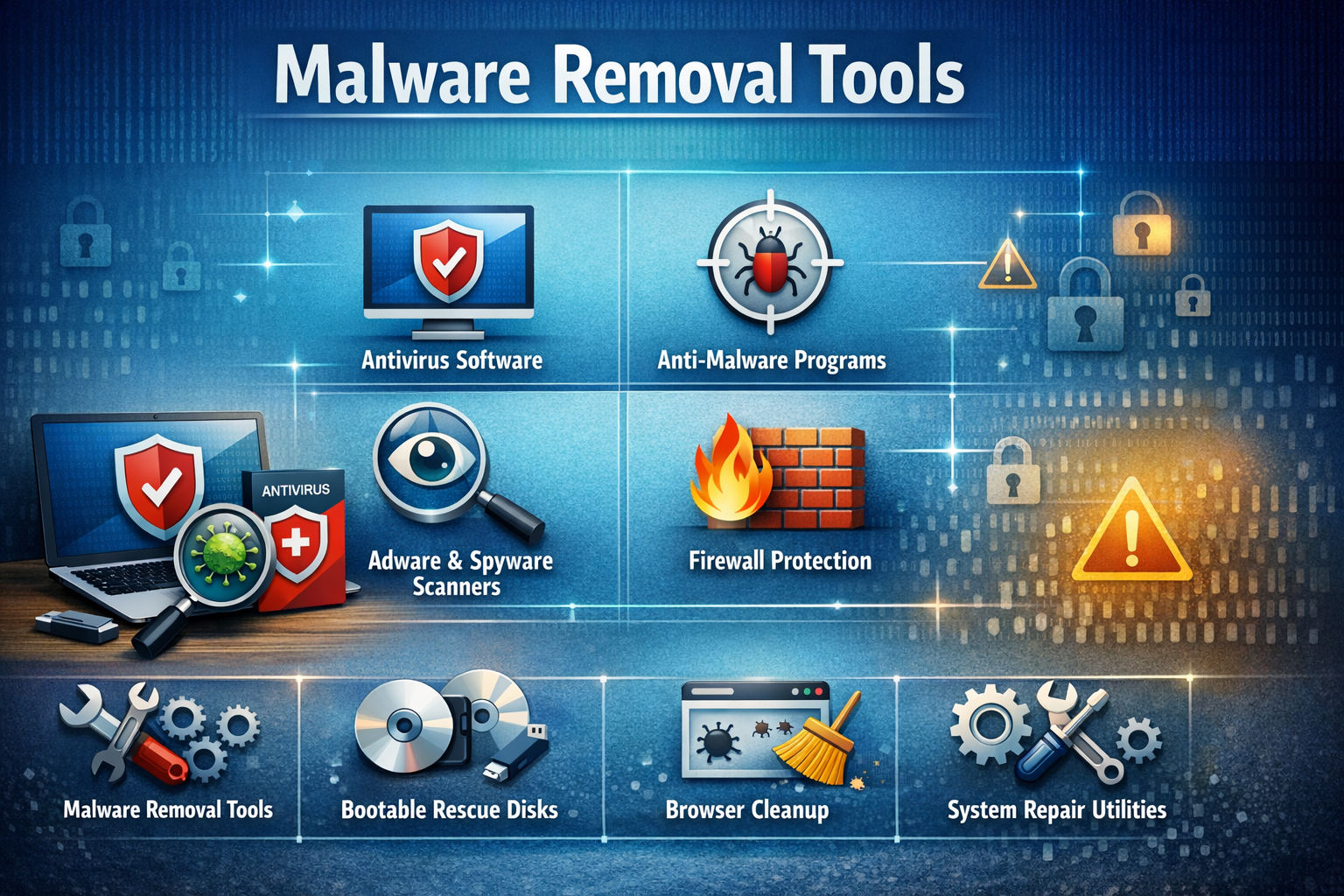
This guide will walk you through what malware removal tools are, how they work, and which ones you should consider using. Whether you’re a beginner or someone managing multiple systems, this article will help you understand everything in a simple and practical way.
What Is Malware?
Before diving into removal tools, it’s important to understand what malware actually is.
Malware is short for “malicious software.” It includes different types of harmful programs such as:
- Viruses
- Trojans
- Ransomware
- Spyware
- Adware
- Rootkits
Each type behaves differently, but the goal is usually the same: to damage your system, steal your data, or gain unauthorized access.
Why You Need Malware Removal Tools
You might think that being careful online is enough—but the truth is, even experienced users can get infected.
Here’s why malware removal tools are essential:
- Hidden threats: Some malware operates silently in the background
- Advanced attacks: Modern malware can bypass basic security
- Data protection: Prevents theft of passwords, banking info, and personal files
- System performance: Removes programs that slow down your device
- Peace of mind: Keeps your system clean and secure
Even if you already have antivirus software, a dedicated malware removal tool adds an extra layer of protection.
How Malware Removal Tools Work
Malware removal tools use different techniques to detect and eliminate threats:
1. Signature-Based Detection
They compare files against a database of known malware signatures.
2. Heuristic Analysis
This method identifies suspicious behavior, even if the malware is new or unknown.
3. Real-Time Protection
Some tools monitor your system continuously and block threats instantly.
4. Deep Scanning
They scan system files, memory, registry entries, and hidden folders.
5. Quarantine and Removal
Infected files are isolated and then safely deleted.
Types of Malware Removal Tools
Not all tools are the same. Here are the main types you should know:
1. On-Demand Scanners
These tools scan your system when you manually run them.
Best for: Occasional checks and second opinions
2. Real-Time Protection Tools
They run continuously in the background and block threats instantly.
Best for: Daily protection
3. Portable Malware Removers
No installation needed—run directly from a USB drive.
Best for: Cleaning infected systems
4. Specialized Tools
Designed to remove specific threats like ransomware or rootkits.
Best for: Advanced infections
Best Malware Removal Tools You Should Consider
Let’s look at some reliable and widely used malware removal tools.
1. Malwarebytes
Malwarebytes is one of the most popular malware removal tools available today.
Key features:
- Fast and deep scanning
- Excellent detection of zero-day threats
- Easy-to-use interface
- Real-time protection (premium version)
It’s especially good at removing stubborn malware that traditional antivirus tools miss.
2. HitmanPro
HitmanPro is a lightweight but powerful malware removal tool.
Key features:
- Cloud-based scanning
- No installation required
- Detects advanced threats
- Works alongside existing antivirus software
It’s a great second-opinion scanner.
3. AdwCleaner
AdwCleaner focuses on removing adware and unwanted programs.
Key features:
- Removes browser hijackers
- Cleans toolbars and pop-ups
- Simple one-click scan
- Completely free
Perfect if your browser is acting strange.
4. Kaspersky Virus Removal Tool
This is a powerful free tool for removing malware manually.
Key features:
- Deep scanning engine
- Detects rootkits and spyware
- No installation required
- Regular updates
Ideal for advanced users who want a strong cleanup tool.
5. Norton Power Eraser
Norton Power Eraser is designed to remove hard-to-detect threats.
Key features:
- Aggressive scanning
- Removes deeply embedded malware
- Fast results
- Free to use
Because of its aggressive nature, it may flag safe files—so use carefully.
6. Bitdefender Antivirus Free Edition
Bitdefender offers strong malware protection with minimal system impact.
Key features:
- Real-time protection
- Automatic threat detection
- Lightweight design
- Strong malware removal capabilities
Great for users who want simple and effective protection.
7. Microsoft Defender
Built into Windows, this tool has improved significantly over the years.
Key features:
- Free and pre-installed
- Real-time protection
- Automatic updates
- Decent malware detection
It’s a solid baseline, especially when combined with other tools.
Signs Your System Might Be Infected
Sometimes malware is obvious, but often it’s hidden. Here are some warning signs:
- Slow system performance
- Frequent crashes or freezes
- Unexpected pop-up ads
- Unknown programs installed
- Browser redirects
- High CPU or network usage
- Disabled security software
If you notice any of these, it’s time to run a malware scan.
How to Use Malware Removal Tools Effectively
Just installing a tool isn’t enough. Here’s how to use them properly:
1. Keep Software Updated
Always use the latest version to detect new threats.
2. Run Regular Scans
Schedule weekly or bi-weekly scans.
3. Use Multiple Tools
Sometimes one tool misses what another catches.
4. Disconnect from the Internet
If heavily infected, disconnect before scanning to prevent data leaks.
5. Boot in Safe Mode
This helps remove stubborn malware.
6. Review Scan Results Carefully
Avoid deleting important system files by mistake.
Free vs Paid Malware Removal Tools
Free Tools
- Basic protection
- Manual scanning
- Limited features
Paid Tools
- Real-time protection
- Advanced threat detection
- Automatic updates
- Customer support
If you’re a regular internet user, free tools may be enough. But for business or sensitive data, paid versions are worth it.
Common Mistakes to Avoid
Many people unknowingly make mistakes when dealing with malware:
- Ignoring early warning signs
- Downloading tools from untrusted websites
- Using multiple real-time antiviruses (causes conflicts)
- Not updating software
- Clicking on suspicious links again after cleaning
Avoiding these mistakes can save you from repeated infections.
Tips to Prevent Malware Infections
Prevention is always better than removal. Here are some simple tips:
- Download software only from official websites
- Avoid pirated or cracked programs
- Don’t click on unknown email attachments
- Use strong and unique passwords
- Enable firewall protection
- Keep your operating system updated
- Use a secure browser with extensions
These habits can drastically reduce your risk.
When to Seek Professional Help
Sometimes malware is too advanced to remove on your own.
Consider expert help if:
- Your system won’t boot
- Files are encrypted (ransomware)
- Malware keeps coming back
- Sensitive data is compromised
In such cases, professional cybersecurity services may be necessary.
Final Thoughts
Malware threats are constantly evolving, becoming more sophisticated and harder to detect. Relying on just one layer of protection is no longer enough. Malware removal tools play a critical role in keeping your system clean, secure, and running smoothly. The key is not just installing a tool—but using it wisely, keeping it updated, and combining it with safe browsing habits. Whether you choose Malwarebytes, HitmanPro, or even built-in protection like Microsoft Defender, what matters most is consistency. Think of malware protection like locking your doors. One lock is good—but multiple layers make your system truly secure. Stay alert, stay updated, and most importantly—stay protected.


wath not russin