In today’s connected world, Wi-Fi has become as essential as electricity. From smartphones and laptops to smart TVs and home automation systems, everything relies on a stable and secure wireless connection. But have you ever wondered how your Wi-Fi network stays protected from hackers and unauthorized users?
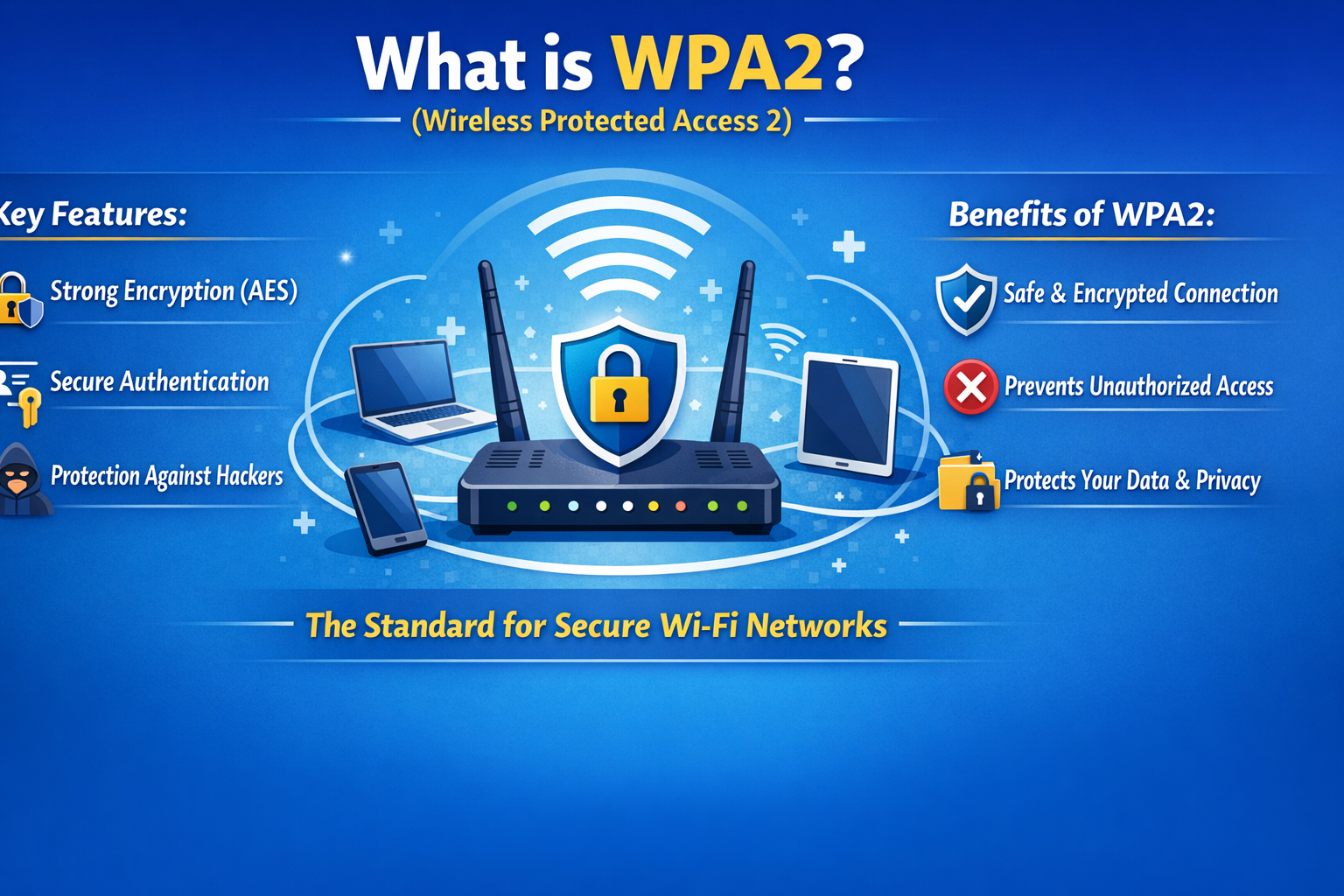
That’s where WPA2 comes in. WPA2, or Wi-Fi Protected Access 2, is a security protocol designed to keep your wireless network safe. It has been the standard for many years and is still widely used across homes, offices, and public networks. Let’s break it down in a simple and human way so you can fully understand what WPA2 is, how it works, and why it matters.
Understanding WPA2 in Simple Terms
WPA2 stands for Wi-Fi Protected Access 2. It is a security system used to protect wireless networks from unauthorized access. Think of your Wi-Fi network like your home. You don’t want strangers walking in freely, right? So you lock your doors. WPA2 acts like that lock for your Wi-Fi. It ensures that only people with the correct password can connect. It was introduced in 2004 as an upgrade to the older WPA (Wi-Fi Protected Access) and replaced even older and less secure systems like WEP (Wired Equivalent Privacy).
Why WPA2 Was Introduced
Before WPA2, the main security system used was WEP. Unfortunately, WEP had serious weaknesses. Hackers could break into a WEP-protected network in just minutes using simple tools. WPA improved security but still had some limitations. So WPA2 was created to fix those issues and provide stronger encryption and better protection. It became the official standard for Wi-Fi security and was widely adopted across the world.
How WPA2 Works
To understand WPA2, you need to know two key things:
-
Authentication
-
Encryption
Authentication
Authentication ensures that only authorized users can connect to the network.
When you enter your Wi-Fi password, WPA2 checks whether it is correct. If it is, you are allowed to connect.
Encryption
Encryption is what keeps your data safe after you connect.
Imagine sending a message in a secret language that only you and the receiver understand. Even if someone intercepts it, they cannot read it.
WPA2 uses a strong encryption method called AES (Advanced Encryption Standard). This makes it extremely difficult for hackers to understand your data, even if they manage to capture it.
Types of WPA2
WPA2 comes in two main types. Each is used in different environments.
1. WPA2 Personal (WPA2 PSK)
This is the version most people use at home.
PSK stands for Pre Shared Key. It simply means that everyone uses the same password to connect to the network.
For example, when you enter your Wi-Fi password at home, you are using WPA2 Personal.
It is easy to set up and works well for small networks.
2. WPA2 Enterprise
This version is used in offices, companies, and large organizations.
Instead of a single password, each user gets their own login credentials.
It uses a system called a RADIUS server to verify users.
This makes it much more secure because access can be controlled individually. If one user leaves the company, their access can be removed without changing the entire network password.
Key Features of WPA2
WPA2 became popular because of its strong security features. Let’s look at the most important ones.
1. Strong Encryption (AES)
WPA2 uses AES encryption, which is considered very secure.
It is the same type of encryption used by governments and financial institutions.
This ensures that your data remains private and protected.
2. Data Integrity
WPA2 ensures that the data being sent over the network is not altered.
This means no one can secretly change your data while it is being transmitted.
3. Better Protection Against Attacks
Compared to older protocols like WEP and WPA, WPA2 provides better resistance against hacking attempts.
It is much harder for attackers to break into a WPA2 network.
4. Compatibility
WPA2 works with most devices, including smartphones, laptops, tablets, and routers.
This made it easy for people to adopt without needing new hardware.
Advantages of WPA2
WPA2 has several benefits that made it the standard for many years.
1. High Level of Security
Its strong encryption makes it very difficult for hackers to access your network.
2. Easy to Use
For home users, setting up WPA2 is simple. Just create a strong password, and you are good to go.
3. Widely Supported
Almost every Wi-Fi device supports WPA2, making it reliable and universal.
4. Stable Performance
WPA2 does not slow down your network significantly. You get security without sacrificing speed.
Limitations of WPA2
While WPA2 is strong, it is not perfect. Over time, some weaknesses have been discovered.
1. Vulnerability to KRACK Attack
One of the most famous issues with WPA2 is the KRACK attack (Key Reinstallation Attack).
This attack allows hackers to intercept and decrypt data under certain conditions.
However, most modern devices have received updates to fix this issue.
2. Weak Password Risks
WPA2 is only as strong as your password.
If you use a simple password like “12345678” or “password,” hackers can easily guess it.
3. Shared Password Problem
In WPA2 Personal, everyone uses the same password.
If someone shares it with others, your network could become vulnerable.
WPA2 vs WPA3
You might have heard about WPA3, the newer version of Wi-Fi security.
So how does WPA2 compare?
WPA2
-
Uses AES encryption
-
Relies on passwords
-
Vulnerable to some attacks
-
Widely supported
WPA3
-
Offers stronger encryption
-
Provides better protection against password guessing
-
Uses advanced authentication methods
-
Still being adopted
Even though WPA3 is more secure, WPA2 is still widely used because many devices do not yet support WPA3.
How to Set Up WPA2 on Your Router
Setting up WPA2 is simple. Here is a basic step-by-step guide.
-
Open your router settings by entering its IP address in a browser
-
Log in using your admin username and password
-
Go to Wireless Settings
-
Select Security Mode
-
Choose WPA2 Personal
-
Enter a strong password
-
Save the settings
After this, your network will be protected using WPA2.
Tips to Make WPA2 More Secure
Even though WPA2 is strong, you can make it even safer by following these tips.
1. Use a Strong Password
Create a password that includes:
-
Uppercase letters
-
Lowercase letters
-
Numbers
-
Special characters
Avoid common words or easy patterns.
2. Change Password Regularly
Updating your Wi-Fi password every few months helps prevent unauthorized access.
3. Disable WPS
WPS (Wi-Fi Protected Setup) can be convenient but may introduce security risks.
It is better to turn it off.
4. Update Your Router Firmware
Manufacturers release updates to fix security issues.
Always keep your router updated.
5. Limit Connected Devices
Check which devices are connected to your network and remove any unknown ones.
Where WPA2 is Used
WPA2 is used almost everywhere:
-
Home Wi-Fi networks
-
Office networks
-
Public Wi-Fi hotspots
-
Educational institutions
-
Hotels and cafes
Even today, many networks still rely on WPA2 for security.
Is WPA2 Still Safe in 2026?
This is a common question.
The answer is yes, but with conditions.
WPA2 is still safe if:
-
You use a strong password
-
Your devices are updated
-
Your router firmware is current
However, if you have the option, upgrading to WPA3 is recommended for better security.
Final Thoughts
WPA2 has played a major role in securing wireless networks for nearly two decades. It replaced weaker systems and provided a strong foundation for safe internet usage. While newer technologies like WPA3 are emerging, WPA2 remains a reliable and widely used security protocol. At its core, WPA2 is all about keeping your data private and your network protected. With the right setup and good security practices, it can still serve you well. Understanding how WPA2 works gives you more control over your digital safety. And in a world where everything is connected, that knowledge is more valuable than ever.

