Passwords remain the first line of defense for almost every online account, from banking and email to social media and streaming services. While many websites now support passkeys and biometric authentication, passwords are still widely used, making them a favorite target for cybercriminals. In 2026, hackers are using AI-powered tools, automated credential-stuffing attacks, and sophisticated phishing techniques to steal login information faster than ever before. This is why using a password manager is no longer just an optional security tool. It has become an essential part of protecting your digital life. If you are wondering what the best password manager in 2026 is, this guide will help you understand what password managers do, why they are important, and which ones are worth considering.
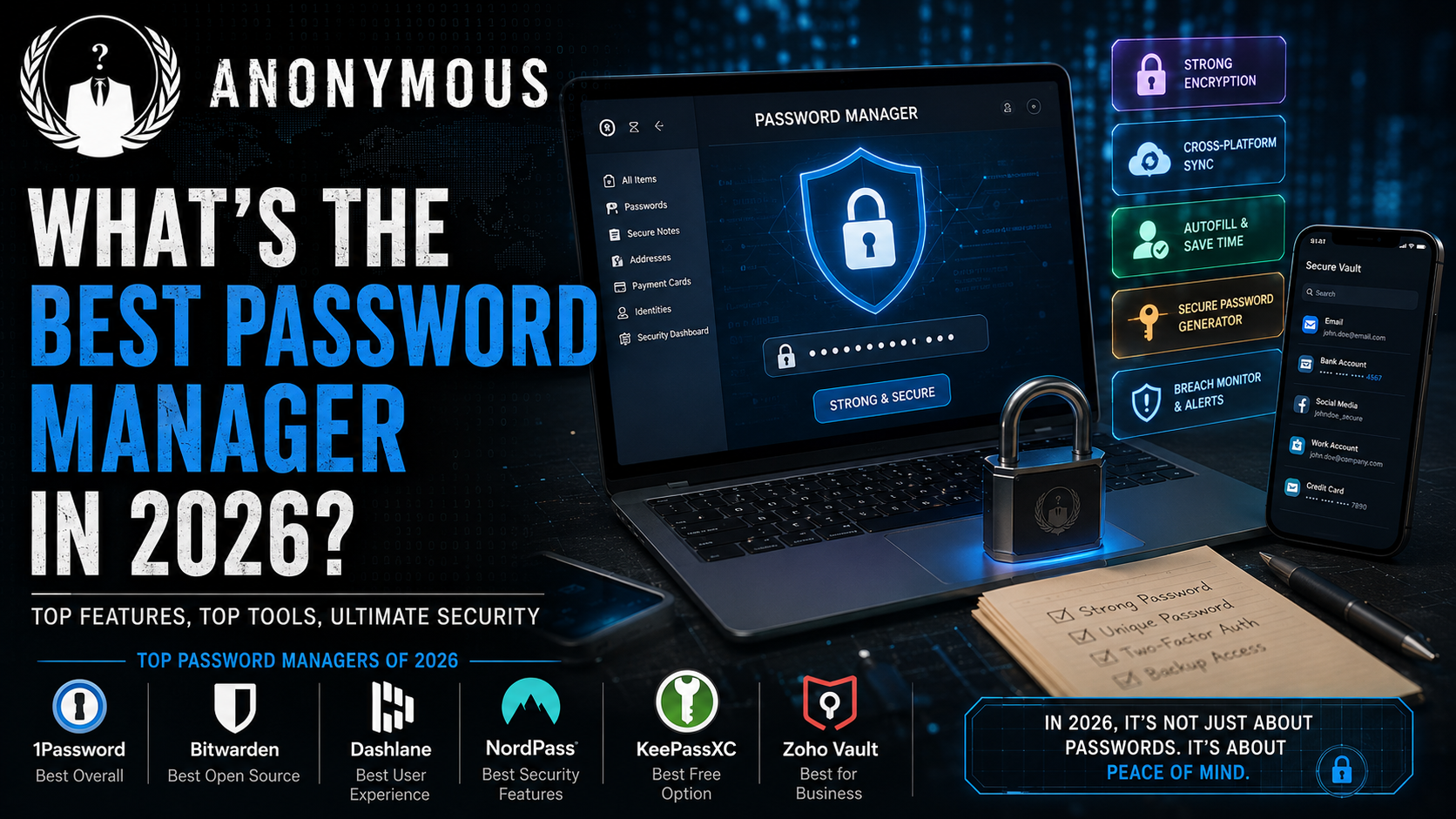
What Is a Password Manager?
A password manager is a secure application that stores all your usernames, passwords, passkeys, and other sensitive information inside an encrypted digital vault. Instead of remembering dozens of different passwords, you only need to remember one strong master password. The password manager takes care of creating, storing, and automatically filling strong passwords whenever you log into a website or application. This not only saves time but also improves your overall online security by eliminating the need to reuse passwords across multiple accounts.
Why Do You Need a Password Manager in 2026?
Cybersecurity threats continue to evolve every year. Data breaches happen almost daily, exposing millions of usernames and passwords. If you use the same password for multiple websites, a hacker only needs to steal it once to gain access to several of your accounts. This type of attack is known as credential stuffing, and it remains one of the most successful hacking techniques today. A password manager solves this problem by generating a unique password for every account. Even if one password is compromised, your remaining accounts stay protected because every login uses a completely different password. This simple practice dramatically reduces your risk of becoming a victim of cybercrime.
Features to Look for in the Best Password Manager
Choosing the right password manager involves more than just storing passwords. The best password managers in 2026 offer a complete security solution designed to protect your digital identity. One of the most important features is zero-knowledge encryption, which ensures that even the company providing the password manager cannot access your stored information. Cross-platform compatibility is another essential feature because most people use multiple devices, including Windows PCs, Macs, Android phones, iPhones, tablets, and different web browsers. A good password manager should synchronize your passwords across all these devices automatically.
Another important feature is a built-in password generator that creates long, random, and highly secure passwords for every new account. Autofill functionality is equally valuable because it saves time by securely filling login credentials on websites and mobile applications. Modern password managers should also include password health reports, breach monitoring, secure password sharing, encrypted notes, biometric authentication, emergency access options, and full support for passkeys, which are becoming increasingly common across major online platforms.
Best Password Managers in 2026
Several password managers stand out this year because of their security, ease of use, and feature sets. Each serves different types of users depending on their needs.
1. Bitwarden
Bitwarden continues to be one of the most recommended password managers in 2026. Its open-source nature allows security experts to review its code regularly, increasing transparency and trust. It offers unlimited password storage, secure synchronization across multiple devices, passkey support, encrypted file storage, and strong password generation. One of its biggest advantages is its generous free plan, making it an excellent choice for students, professionals, and anyone looking for premium security without spending much money. Its affordable premium subscription adds advanced security features without becoming expensive.
2. 1Password
1Password remains one of the most polished password managers available today. It offers an intuitive interface that makes password management easy, even for beginners. Families appreciate its secure password-sharing features, while business users benefit from its administrative controls and team management capabilities. One of its standout features is Travel Mode, which temporarily removes sensitive vaults from your devices while traveling, adding an extra layer of protection. It also supports passkeys, biometric login, security alerts, and encrypted document storage.
3. Proton Pass
Privacy-conscious users often choose Proton Pass because it is developed by the same company behind Proton Mail. Based in Switzerland, Proton benefits from some of the world’s strongest privacy laws. Proton Pass includes zero-knowledge encryption, email alias generation, encrypted notes, password sharing, passkey support, and open-source software. It is an excellent choice for users who prioritize privacy above everything else while still enjoying a modern and user-friendly interface.
4. NordPass
NordPass has become increasingly popular because of its clean interface and excellent performance. Developed by the team behind NordVPN, it combines ease of use with advanced security features. Users receive password health reports, breach scanning, secure synchronization, biometric login, and automatic password generation. It is especially suitable for users who want a simple yet powerful password manager that works smoothly across all major devices and operating systems.
5. Dashlane
Dashlane continues to focus heavily on security monitoring. Along with password management, it provides dark web monitoring, password health analysis, automatic password updates for supported websites, secure password sharing, VPN integration, and passkey management. While its premium subscription costs slightly more than some competitors, many users appreciate the additional security tools that come with the package.
6. Keeper
Keeper remains one of the strongest choices for businesses and enterprise users. It provides advanced administrative controls, secure password sharing, encrypted storage, detailed auditing, compliance tools, and strong team management features. Organizations that need to manage hundreds or thousands of employee accounts often select Keeper because of its reliability and extensive business-focused capabilities.
Free vs Paid Password Managers
Many users wonder whether they should pay for a password manager or simply use a free version. The answer depends on your needs. Free password managers are often sufficient for individual users who only need password storage, synchronization, password generation, and autofill. However, premium plans typically include additional features such as encrypted file storage, emergency access, advanced breach monitoring, priority customer support, secure password sharing, and stronger authentication options. Even if you choose a free password manager, you will still enjoy significantly better security than storing passwords in a browser or writing them down in a notebook.
Are Browser Password Managers Enough?
Most modern web browsers, including Chrome, Edge, Firefox, and Safari, include built-in password managers. While these have improved over the years, they still lack many of the advanced security features found in dedicated password managers. Browser-based password managers usually work best within a single browser ecosystem, making it difficult to switch between platforms. Dedicated password managers provide better encryption, independent security audits, password health reports, secure sharing, encrypted notes, passkey management, and more reliable synchronization across multiple operating systems. For users who frequently switch between devices, a dedicated password manager remains the better long-term choice.
The Rise of Passkeys
One of the biggest cybersecurity developments in recent years is the growing adoption of passkeys. Unlike traditional passwords, passkeys use public-key cryptography to authenticate users securely. This makes them resistant to phishing attacks and password theft because there is no password for hackers to steal. Although many major companies now support passkeys, traditional passwords are still widely used. The best password managers in 2026 support both passwords and passkeys, allowing users to transition smoothly as more websites adopt passwordless authentication.
Tips for Using a Password Manager Safely
Even the best password manager cannot protect you if you ignore basic security practices. Always create a strong and unique master password that is difficult to guess. Enable two-factor authentication to add an additional layer of protection. Regularly review password health reports to identify weak or reused passwords. Replace compromised passwords immediately after receiving breach notifications. Never share your master password with anyone, and keep your recovery codes stored securely in an offline location. Keeping your devices updated with the latest software patches also helps prevent malware from accessing your password vault.
Common Password Mistakes to Avoid
Many people continue to make security mistakes that leave their accounts vulnerable. Reusing the same password across multiple websites remains one of the biggest risks. Saving passwords inside plain text documents or spreadsheets can expose sensitive information if your device becomes infected with malware. Choosing simple passwords based on birthdays, names, or dictionary words makes them easier for hackers to guess using automated tools. Ignoring breach notifications or failing to enable two-factor authentication also increases the risk of account compromise. A password manager helps eliminate many of these common mistakes by encouraging better password hygiene.
Which Password Manager Should You Choose?
The best password manager ultimately depends on your specific needs. If you want the best free password manager with strong security and open-source transparency, Bitwarden is an excellent choice. If you prefer a premium experience with outstanding family features, 1Password remains one of the strongest options. Privacy-focused users should consider Proton Pass because of its strong encryption and Swiss privacy protections. NordPass is ideal for beginners looking for a clean and simple interface, while Dashlane offers advanced security monitoring for users who want additional protection. Businesses that need centralized management and enterprise-grade controls will find Keeper to be one of the most reliable solutions available today.
Final Thoughts
Choosing the best password manager in 2026 is one of the smartest cybersecurity decisions you can make. As online threats continue to grow and attackers become more sophisticated, relying on weak or reused passwords is simply too risky. A reliable password manager creates strong passwords, stores them securely, syncs them across all your devices, and helps protect your accounts from phishing attacks, credential stuffing, and data breaches. Whether you choose Bitwarden, 1Password, Proton Pass, NordPass, Dashlane, or Keeper, using any trusted password manager is far better than relying on memory or browser storage alone. Combined with two-factor authentication and passkeys, a password manager provides a powerful defense against modern cyber threats and gives you peace of mind every time you log in online.

