Online shopping has become second nature for millions of people across the United States, and platforms like Amazon are at the center of it all. From groceries to electronics, everything is just a click away. But as convenience grows, so does the risk of scams.
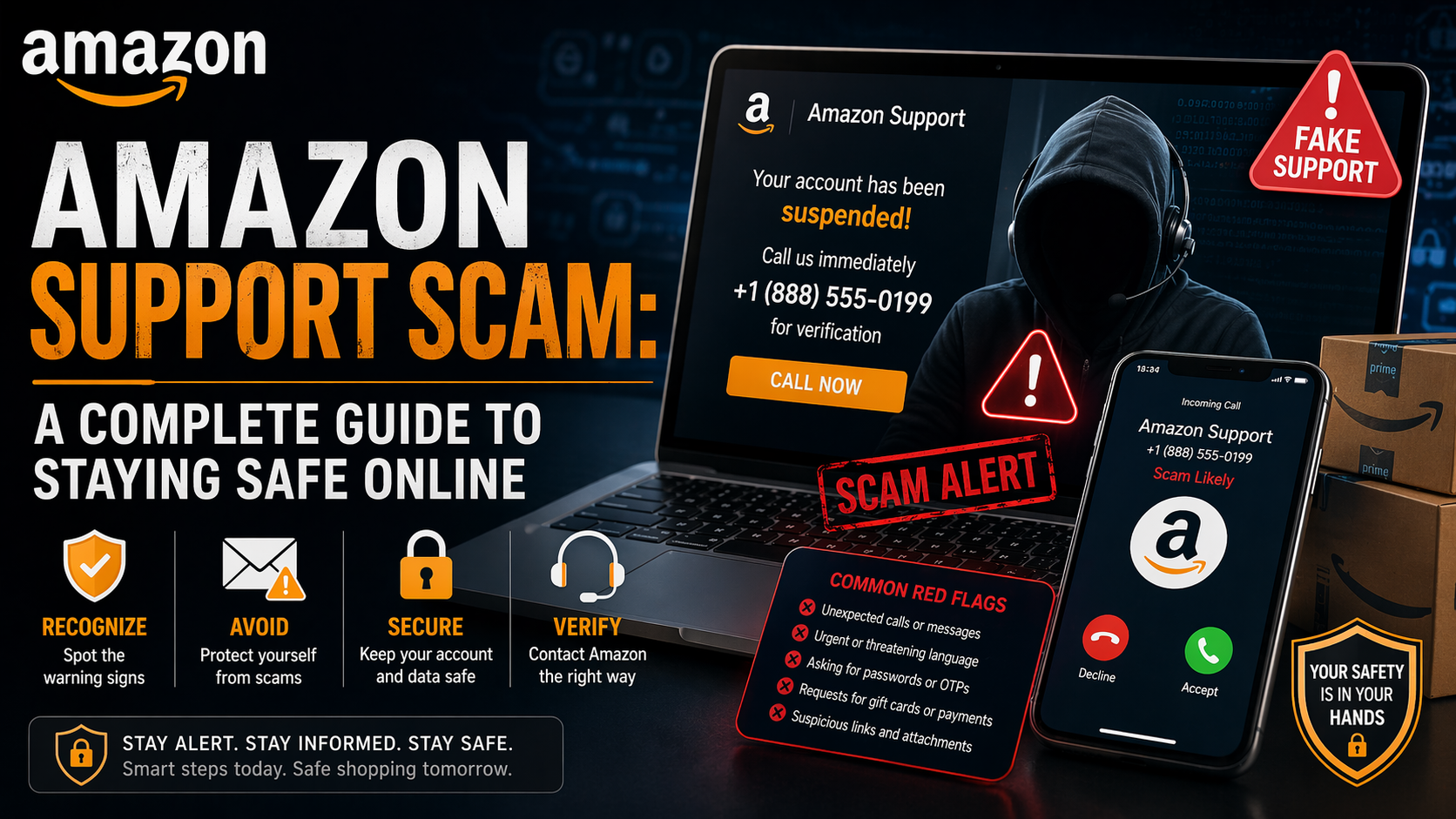
One of the most common threats today is the Amazon support scam. These scams are designed to trick people into believing they are speaking with real Amazon representatives, when in reality, they are dealing with cybercriminals trying to steal money or personal information. This guide is written specifically to help U.S. residents understand these scams in a simple, clear, and practical way.
What Is an Amazon Support Scam?
An Amazon support scam is a fraud where criminals pretend to be Amazon customer service agents. They contact you and claim there’s a problem with your account, an order, or a payment.
Their goal is simple:
- Get your personal details
- Access your Amazon account
- Steal money from your bank
These scams are becoming more advanced and more convincing every year.
How These Scams Target People in the U.S.
Scammers carefully design their approach based on how people in the U.S. use Amazon. Here are the most common methods:
1. Fake Phone Calls (Robocalls)
You might receive a call saying:
- “Your Amazon account has been compromised”
- “An order for $999 has been placed”
- “Press 1 to speak with Amazon support”
These calls often sound automated at first, then connect you to a real scammer.
2. Phishing Emails
These emails look very convincing and may include:
- Official Amazon logos
- Fake order confirmations
- Billing alerts
They usually contain a link that takes you to a fake login page.
3. Text Message Scams (Smishing)
You may get messages like:
- “Your Amazon package is delayed. Click here”
- “Suspicious activity detected. Verify now”
These links lead to fake websites designed to steal your information.
4. Fake Customer Support Numbers
Some scammers even create fake websites listing “Amazon support numbers.” When you call them, they pretend to help you.
Real-Life Scam Scenario in the U.S.
Let’s say you’re at home and receive a call saying:
“Hello, this is Amazon Fraud Department. A $1,200 MacBook has been ordered from your account. If this wasn’t you, press 1.”
You panic and press 1.
The scammer then:
- Asks for your account details
- Sends you a code (OTP) and asks you to share it
- Requests you install software like AnyDesk
Within minutes, your bank account or Amazon account is compromised.
Common Tricks Used by Scammers
Scammers rely more on psychology than technology.
Urgency
They create panic:
- “Act now or your account will be locked”
- “This charge will go through in 10 minutes”
Authority
They pretend to be:
- Amazon support
- Fraud department
- Billing team
Remote Access
They may ask you to install:
- AnyDesk
- TeamViewer
This gives them full control of your computer.
Fake Refunds
They say:
- “We’ll refund your money, just confirm your code”
That code is your OTP, which gives them access to your account.
Warning Signs to Watch For
If you notice any of these, stop immediately:
- Unexpected calls about orders you didn’t place
- Requests for passwords or OTPs
- Emails with suspicious links
- Pressure to act quickly
- Requests to install unknown software
These are clear signs of a scam.
What Scammers Are Trying to Steal
Their main targets include:
- Amazon login details
- Credit or debit card information
- Bank account access
- OTP codes
- Personal identity details
Once they get this, they can:
- Make unauthorized purchases
- Transfer money
- Lock you out of your accounts
How to Protect Yourself
Staying safe is easier than you think.
1. Never Share OTPs or Passwords
Amazon will never ask for them.
2. Use the Official Amazon App or Website
Always check your account directly instead of clicking links.
3. Don’t Trust Unknown Calls
Hang up and verify through official channels.
4. Enable Two-Step Verification
This adds extra protection to your account.
5. Avoid Installing Remote Access Apps
No real Amazon agent will ask you to do this.
6. Check the URL Carefully
Make sure you are on the real Amazon website.
What to Do If You Get Scammed in the U.S.
If you think you’ve been targeted or scammed, act fast:
1. Change Your Passwords Immediately
Update your Amazon and email accounts.
2. Contact Your Bank
Report unauthorized transactions.
3. Report the Scam
You can report scams to:
- Federal Trade Commission (FTC)
- FBI Internet Crime Complaint Center
These agencies track and investigate cybercrime.
4. Monitor Your Accounts
Keep an eye on your bank and credit activity.
Why These Scams Are Increasing in the U.S.
There are several reasons:
Massive User Base
Millions of Americans use Amazon daily.
Data Leaks
Phone numbers and emails sometimes get exposed online.
Advanced Technology
Scammers now use:
- AI-generated voices
- Caller ID spoofing
- Professional-looking websites
Lack of Awareness
Many people still don’t know how these scams work.
Real vs Fake Amazon Support
Understanding the difference can save you.
Real Amazon Support:
- Communicates through the official app or website
- Never asks for OTPs or passwords
- Doesn’t request remote access
Fake Support:
- Calls you unexpectedly
- Creates panic
- Asks for sensitive details
- Pushes you to act quickly
Helping Family Members Stay Safe
Scammers often target:
- Elderly people
- New internet users
You can help by:
- Explaining common scams
- Setting up security features
- Asking them to verify with you before acting
A simple conversation can prevent serious loss.
Final Thoughts
Amazon support scams are growing across the United States, but they are preventable. The key is awareness.
Always remember:
- Stay calm
- Don’t trust unexpected calls or messages
- Verify everything through official channels
Cybercriminals rely on fear and urgency. If you slow down and think before acting, you remove their biggest advantage. Staying informed is your best defense. And once you understand how these scams work, you’re already one step ahead.

