For decades, passwords have been the primary method of protecting online accounts. Whether logging into an email account, online banking, social media platform, or business application, users have relied on passwords to verify their identity. While passwords remain an important part of cybersecurity, they are no longer sufficient on their own.
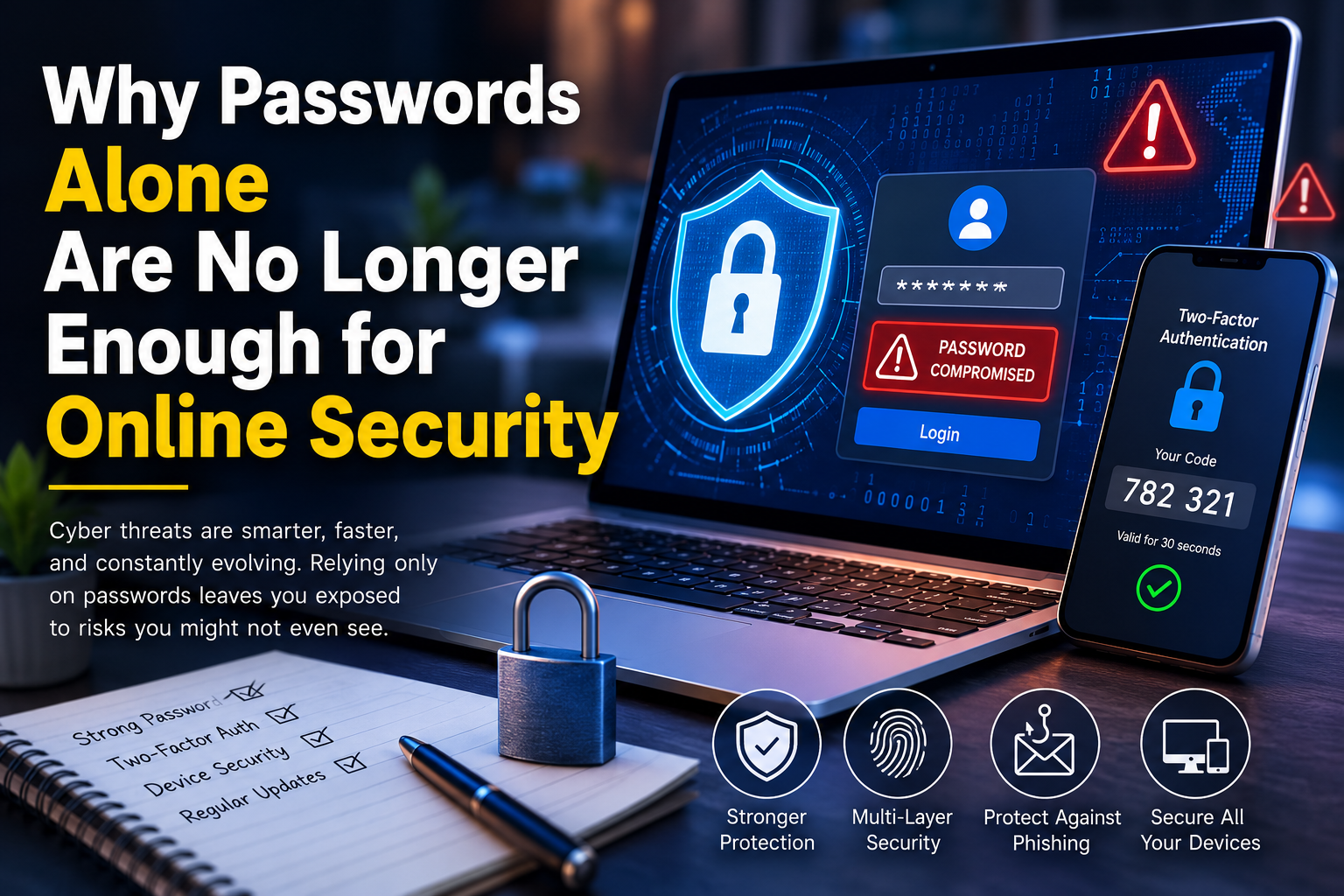
Cybercriminals have developed sophisticated techniques to steal, crack, or bypass passwords. Massive data breaches, phishing attacks, credential theft, malware, and automated password-cracking tools have made it easier than ever for attackers to gain unauthorized access to online accounts. Even strong passwords can become compromised if users unknowingly reveal them or reuse them across multiple services.
In 2026, protecting online accounts requires more than simply creating a complex password. Modern cybersecurity depends on multiple layers of protection, including multi-factor authentication, password managers, secure devices, and user awareness.
This article explains why passwords alone are no longer enough for online security and what individuals and organizations can do to better protect their digital identities.
The Growing Problem With Passwords
Passwords were designed for a much simpler internet.
Years ago, people had only a handful of online accounts. Today, the average internet user may have dozens or even hundreds of accounts across work, banking, shopping, streaming, healthcare, education, and social media.
Remembering a unique password for every account has become nearly impossible, leading many users to reuse the same password repeatedly.
Unfortunately, password reuse creates a major cybersecurity risk.
If one website suffers a data breach, attackers often test the stolen usernames and passwords on other popular services. This technique, known as credential stuffing, has become one of the most successful methods for compromising online accounts.
Data Breaches Expose Millions of Passwords
Large-scale data breaches occur regularly across many industries.
When organizations are compromised, attackers may steal customer usernames, email addresses, password hashes, and other personal information.
Even if passwords are encrypted, weak passwords may eventually be cracked using modern computing power.
Once attackers obtain login credentials, they frequently sell them on underground marketplaces or use them to target additional accounts.
This is one of the main reasons security experts recommend never reusing passwords across multiple websites.
Phishing Attacks Bypass Strong Passwords
A strong password provides little protection if someone willingly gives it to an attacker.
Phishing attacks remain one of the most effective methods used by cybercriminals.
Attackers create fake emails, websites, or login pages that closely resemble legitimate services.
Victims unknowingly enter their usernames and passwords, believing they are signing into a trusted website.
Once attackers capture these credentials, they can immediately access the real account.
No matter how long or complex a password may be, phishing can still defeat it if users are not careful.
Malware Can Steal Passwords
Cybercriminals also use malware to capture passwords directly from infected devices.
Some forms of malware monitor keyboard activity, while others search web browsers for saved credentials or steal authentication cookies.
Modern information-stealing malware may collect:
- Saved browser passwords
- Banking credentials
- Cryptocurrency wallet information
- Email logins
- Session cookies
- Personal documents
This information is often sold to other criminals or used in future cyberattacks.
Keeping devices updated and protected with reliable security software helps reduce this risk.
Password Cracking Is Faster Than Ever
Computing power has increased dramatically over the years.
Attackers now use specialized hardware capable of testing billions of password combinations in a relatively short period.
Weak passwords based on common words, names, or predictable number sequences can often be cracked within minutes.
Examples of poor passwords include:
- Simple dictionary words
- Birthdates
- Phone numbers
- Keyboard patterns
- Short passwords
- Personal names
Long, randomly generated passwords remain much harder to crack, but they still benefit from additional security layers.
Password Reuse Creates Multiple Risks
Many people continue using the same password across several websites.
Although this makes passwords easier to remember, it also creates significant security problems.
If attackers compromise one account, they often attempt to log in to:
- Email accounts
- Online banking
- Shopping websites
- Cloud storage
- Social media
- Work applications
This automated process has become highly successful because password reuse remains common.
Creating unique passwords for every account greatly reduces this risk.
Multi-Factor Authentication Adds Another Layer
One of the most effective ways to improve online security is enabling multi-factor authentication (MFA).
Instead of relying only on a password, MFA requires users to verify their identity using an additional factor.
Examples include:
- Authentication apps
- Hardware security keys
- Biometric verification
- One-time security codes
Even if attackers steal a password, they cannot easily access the account without the second authentication factor.
Many online services now support MFA, and enabling it should be considered a basic cybersecurity practice.
Password Managers Make Security Easier
One reason people reuse passwords is that remembering dozens of unique passwords is difficult.
Password managers solve this problem by securely storing login credentials and generating strong, random passwords for every account.
Benefits include:
- Unique passwords for each website
- Automatic password generation
- Secure encrypted storage
- Faster logins
- Reduced password reuse
Instead of memorizing dozens of passwords, users only need to remember one strong master password.
Passkeys Are Changing Online Authentication
Many technology companies are beginning to support passkeys as an alternative to traditional passwords.
Unlike passwords, passkeys rely on cryptographic authentication tied to a trusted device.
Benefits of passkeys include:
- Protection against phishing
- No passwords to remember
- Faster authentication
- Improved security
- Reduced credential theft
Although passwords will remain common for some time, passkeys are expected to become increasingly popular over the next several years.
Why Email Accounts Need Extra Protection
Your email account is often the key to your entire digital life.
If attackers gain access to your email, they may reset passwords for many of your other online accounts.
This makes email one of the most important accounts to protect.
Always enable multi-factor authentication on your email account and use a unique, strong password that is not shared with any other service.
Businesses Face Even Greater Risks
For organizations, compromised passwords can lead to:
- Data breaches
- Financial fraud
- Ransomware attacks
- Intellectual property theft
- Regulatory penalties
- Reputation damage
Employees often become targets of phishing attacks because business accounts provide access to valuable information.
Organizations should implement:
- Multi-factor authentication
- Strong password policies
- Single sign-on where appropriate
- Employee cybersecurity training
- Continuous login monitoring
Protecting business accounts requires more than password complexity alone.
Secure Your Devices
Even strong account security can be weakened if your device itself is compromised.
Protect computers and smartphones by:
- Installing security updates promptly
- Using reputable antivirus software
- Enabling device encryption
- Locking devices with PINs or biometrics
- Downloading software only from trusted sources
A secure device strengthens the overall protection of your online accounts.
Recognize Social Engineering
Cybercriminals often manipulate people rather than technology.
Social engineering attacks may involve:
- Fake technical support calls
- Fraudulent text messages
- Impersonation scams
- Fake banking alerts
- Urgent payment requests
Always verify unexpected communications before providing passwords or personal information.
Legitimate organizations rarely request passwords through email or phone calls.
Monitor Your Accounts
Regularly reviewing account activity helps identify unauthorized access early.
Many online services allow users to view:
- Recent login history
- Active sessions
- Connected devices
- Password changes
- Security alerts
If you notice unfamiliar activity, immediately change your password, sign out of all sessions, and review your security settings.
Best Practices for Stronger Online Security
Protecting online accounts requires multiple layers of defense rather than relying on passwords alone.
Recommended security practices include:
- Create long, unique passwords for every account.
- Use a trusted password manager.
- Enable multi-factor authentication wherever possible.
- Keep devices updated with the latest security patches.
- Be cautious of phishing emails and fake websites.
- Avoid sharing passwords through email or messaging apps.
- Monitor login activity regularly.
- Secure your email account with additional protection.
- Remove unused online accounts.
- Update passwords immediately if a service experiences a data breach.
Following these practices significantly reduces the likelihood of account compromise.
The Future of Online Authentication
The future of online security is moving beyond traditional passwords.
Passkeys, biometric authentication, hardware security keys, and AI-powered fraud detection are becoming increasingly common across websites, financial institutions, and business applications.
While passwords are unlikely to disappear overnight, organizations are gradually adopting passwordless authentication methods that improve both security and convenience.
Individuals who embrace these technologies early will be better protected against evolving cyber threats.
Conclusion
Passwords remain an important part of online security, but they are no longer enough on their own. Data breaches, phishing attacks, credential theft, malware, and password reuse have made single-factor authentication increasingly vulnerable to compromise. The most effective approach is to combine strong, unique passwords with additional security measures such as multi-factor authentication, password managers, secure devices, and user awareness. These layers work together to protect personal and business accounts even if one security control fails. As cyber threats continue to evolve in 2026, strengthening your online security requires more than simply choosing a better password. By adopting modern authentication practices and staying alert to emerging threats, you can significantly reduce the risk of unauthorized access and better protect your digital identity.

