If you love gaming, you have probably wondered at some point whether your antivirus is secretly ruining your performance. Maybe your game stutters, takes longer to load, or suddenly drops frames during intense moments. It is easy to blame your antivirus software for all of it.
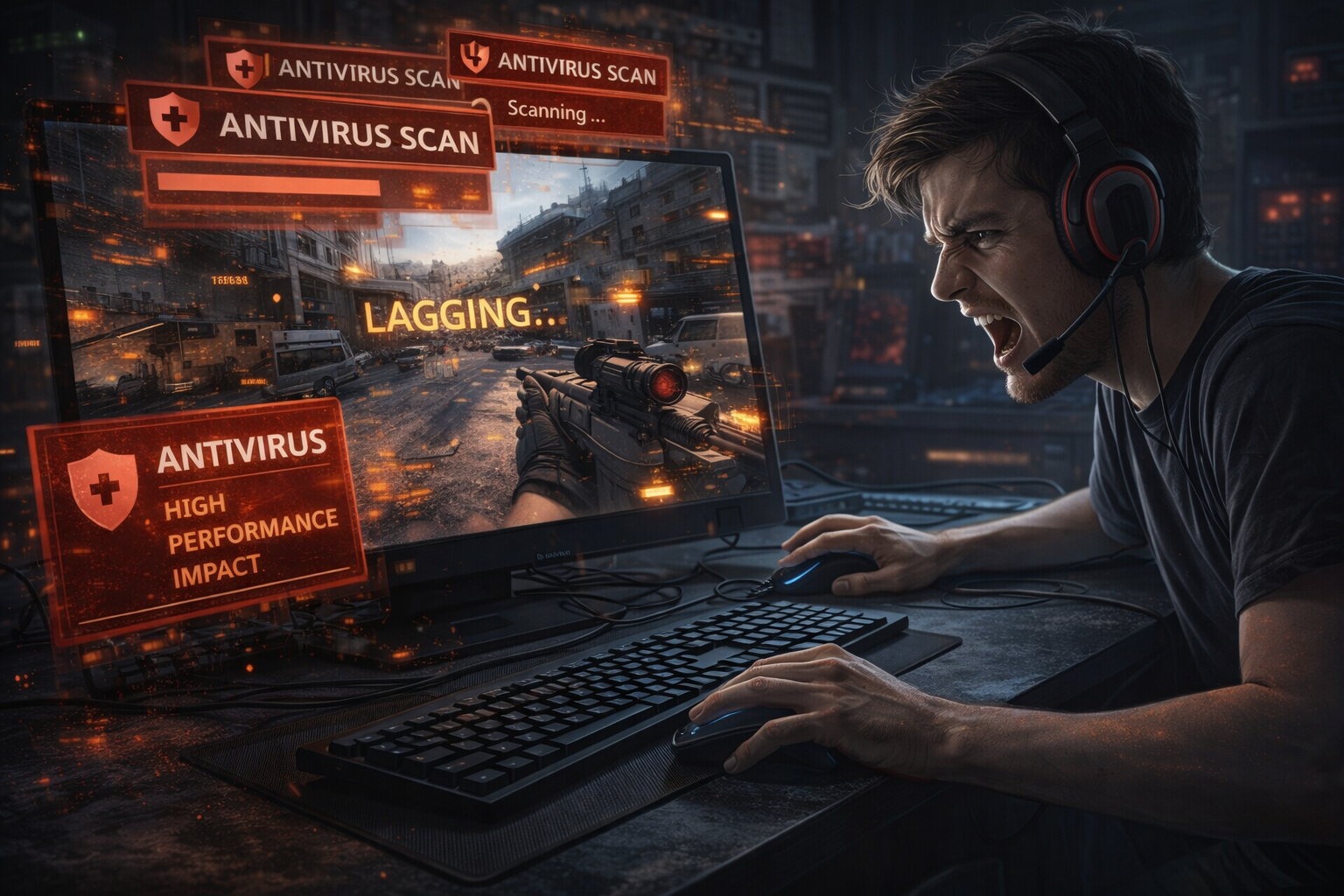
But is that really true?
The answer is not as simple as yes or no. Antivirus can affect gaming performance, but not always in the way people think. In this article, we will break it down in a clear and practical way so you understand what is really happening and how to fix it if needed.
What Does Antivirus Actually Do in the Background
Before jumping to conclusions, it helps to understand how antivirus software works.
Antivirus programs are always running in the background. They constantly scan files, monitor system behavior, and check for suspicious activity. This is how they protect your system from viruses, malware, and other threats.
Here are a few things antivirus software typically does:
-
Real time scanning of files when opened or downloaded
-
Monitoring programs for suspicious behavior
-
Running scheduled full system scans
-
Updating virus definitions regularly
All of these tasks require system resources like CPU, memory, and disk usage.
And yes, that is where gaming performance can sometimes be affected.
Does Antivirus Slow Down Games
The short answer is: sometimes, but not always.
In most modern systems, antivirus software has very little impact on gaming. However, there are certain situations where it can cause noticeable slowdowns.
Let’s break this down.
When Antivirus Does NOT Affect Gaming
In many cases, you will not notice any difference at all.
This usually happens when:
-
You have a powerful computer with enough RAM and CPU
-
Your antivirus is well optimized
-
No scans are running while you are playing
-
The game files are already trusted
Modern antivirus tools are designed to be lightweight. They know gamers need performance, so they try to stay out of the way during normal use.
If your system is strong and your antivirus is properly configured, you can game smoothly without any issues.
When Antivirus CAN Slow Down Games
Now let’s look at situations where antivirus can actually hurt your gaming experience.
1. Real Time Scanning During Gameplay
When you launch a game, your antivirus may start scanning its files in real time. If the game is large or loads many assets, this can cause:
-
Longer loading times
-
Small stutters
-
Occasional lag spikes
This is more noticeable in open world games or games with frequent loading.
2. Full System Scans Running in the Background
If your antivirus starts a full scan while you are gaming, it can heavily impact performance.
This is because full scans use:
-
High CPU usage
-
Disk read and write activity
-
Memory resources
The result can be:
-
FPS drops
-
Input lag
-
Game freezing
This is one of the most common reasons people blame antivirus for slow gaming.
3. Low End or Older Systems
If your computer has limited resources, even lightweight antivirus software can take up enough power to affect your game.
For example:
-
4GB or 8GB RAM systems
-
Older CPUs
-
Slow hard drives instead of SSD
In these cases, every bit of resource matters, and antivirus can become noticeable.
4. Poorly Optimized Antivirus Software
Not all antivirus programs are equal.
Some are known to be heavy and aggressive in scanning, which can interfere with gaming performance.
Signs of a heavy antivirus include:
-
High CPU usage even when idle
-
Frequent background scans
-
Slow system performance overall
If your antivirus behaves like this, it can definitely impact your gaming.
5. False Positives or Game Blocking
Sometimes antivirus software may mistakenly flag a game file as suspicious. This can cause:
-
Game crashes
-
Launch failures
-
Missing files
This is rare but frustrating when it happens.
How Much Performance Loss Are We Talking About
In most cases, the impact is small.
You might see:
-
2 to 5 percent drop in FPS
-
Slightly longer loading times
But in worst case scenarios, like a full scan running during gameplay, the drop can be much higher and very noticeable.
So the impact depends on your system, antivirus, and how it is configured.
Should You Turn Off Antivirus While Gaming
This is a very common question.
The short answer is no, you should not completely disable your antivirus.
Turning off antivirus might improve performance slightly, but it also exposes your system to serious risks. Malware, trojans, and ransomware can infect your system without protection.
Instead of turning it off, there are smarter ways to optimize it for gaming.
Best Ways to Game Without Antivirus Slowdowns
Here are practical solutions that actually work.
1. Use Game Mode or Silent Mode
Many antivirus programs offer a game mode. This feature:
-
Reduces background activity
-
Delays notifications
-
Minimizes scanning during gameplay
Always enable this if your antivirus supports it.
2. Add Your Games to Exclusions
You can tell your antivirus to ignore certain files or folders.
Add your game installation folder to the exclusion list. This prevents real time scanning from interfering with game files.
This can significantly improve performance without reducing security too much.
3. Schedule Scans at the Right Time
Make sure full system scans run when you are not gaming.
For example:
-
Late at night
-
Early morning
-
When your system is idle
This prevents unexpected performance drops.
4. Keep Your Antivirus Updated
Updates improve performance and fix bugs.
An outdated antivirus can become inefficient and slow down your system more than necessary.
5. Choose a Lightweight Antivirus
If your current antivirus feels heavy, consider switching to a lighter option.
Look for one that is known for:
-
Low system usage
-
Good gaming performance
-
Minimal background activity
6. Upgrade Your Hardware
If your system is struggling overall, upgrading can make a big difference.
Consider:
-
Increasing RAM
-
Switching to an SSD
-
Upgrading your CPU
This not only improves gaming but also reduces the impact of background processes like antivirus.
Built In Antivirus vs Third Party Antivirus
Many users wonder whether built in security tools are better for gaming.
Built in antivirus solutions are usually:
-
More optimized for the system
-
Less resource heavy
-
Better integrated with the operating system
Third party antivirus tools may offer more features but can sometimes be heavier.
For most gamers, a well configured built in antivirus is more than enough.
Common Myths About Antivirus and Gaming
Let’s clear up a few myths.
Myth 1 Antivirus Always Ruins FPS
Not true. In most cases, the impact is minimal if your system and settings are correct.
Myth 2 Turning Off Antivirus Makes Gaming Much Faster
The difference is usually very small unless your antivirus is poorly configured or your system is very weak.
Myth 3 Gamers Do Not Need Antivirus
This is dangerous thinking. Gamers download mods, files, and updates from many sources, which increases risk.
Antivirus is still important.
Real World Example
Imagine you are playing a high performance game on a mid range PC.
Everything is smooth until suddenly:
-
FPS drops
-
The game starts stuttering
-
Your system feels slow
You check and find that your antivirus started a full scan in the background.
In this case, antivirus is clearly the cause.
But if no scan is running and your system is still lagging, the issue is likely something else like drivers, overheating, or hardware limits.
Final Verdict
So, does antivirus slow down games? Yes, it can, but only in certain situations. For most users, the impact is small and manageable. The real problem comes from poor configuration, background scans, or low end systems. The key is not to disable your antivirus but to optimize it properly.
Conclusion
Gaming performance depends on many factors, and antivirus is just one small part of the bigger picture. If you set up your antivirus correctly, you can enjoy both strong security and smooth gameplay without compromise. Instead of blaming your antivirus, take a few minutes to adjust its settings. Enable game mode, add exclusions, and schedule scans wisely. With the right balance, you can stay protected and still get the best gaming experience possible. And that is what every gamer wants.

