In today’s hyper-connected world, where almost everything relies on the internet — from banking to healthcare to our personal chats — cybersecurity is more important than ever. You may have heard terms like “firewall,” “antivirus,” or “VPN,” but there’s another pair of security tools quietly working behind the scenes to keep your data safe: IDS and IPS. Let’s break it all down in simple terms.
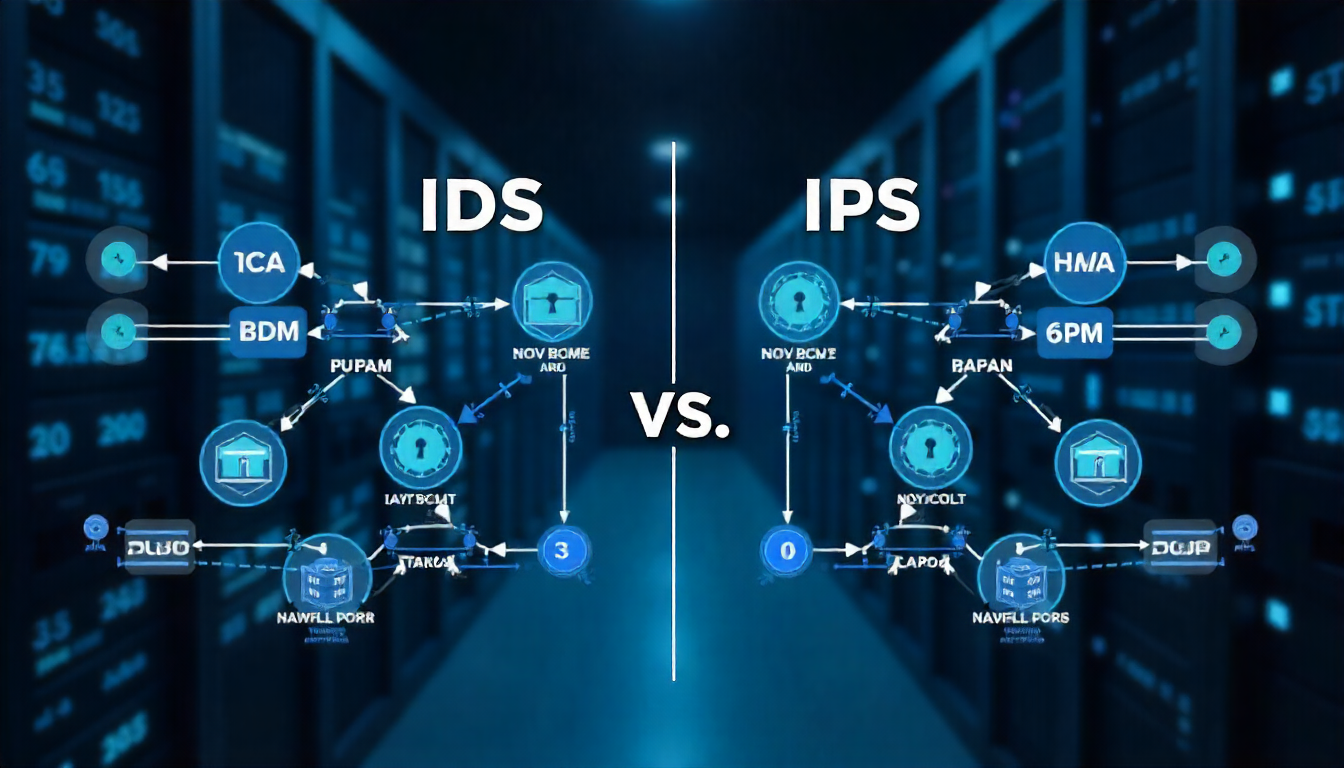
What Does IDS Stand For?
IDS stands for Intrusion Detection System. As the name suggests, it’s a system that detects if someone is trying to break into a network, application, or system. Think of it like a home security alarm. It doesn’t stop the thief, but it alerts you (or the security company) that someone just broke a window or opened the door without permission. That’s what IDS does — it watches your network traffic like a hawk and sends alerts if something suspicious happens.
What is IPS?
IPS stands for Intrusion Prevention System. While IDS only detects and alerts, IPS goes a step further. It not only detects but also prevents the attack. In the home security example, imagine the system doesn’t just send an alert but also locks the doors, disables the intruder’s tools, or even notifies the police instantly. That’s IPS — it actively blocks threats once they are identified.
IDS vs IPS: The Key Difference
To make it super clear:
| Feature | IDS (Intrusion Detection System) | IPS (Intrusion Prevention System) |
|---|---|---|
| Main Job | Monitors and alerts | Monitors and blocks |
| Type | Passive | Active |
| Example | Like a CCTV camera or alarm | Like a security guard who stops the thief |
| Risk | No prevention, only alerts | Can stop harmful traffic in real-time |
So, IDS is like a warning system, and IPS is like an automatic defender.
Why Do We Need IDS and IPS?
Imagine you run a small online business. Your website collects user data, processes payments, and holds sensitive customer information. Now imagine someone tries to break into your site to steal this data.
Would you want to:
-
Just get notified that someone is trying? (IDS)
-
Or block them instantly before they do any damage? (IPS)
Most businesses — from startups to giants like Amazon — rely on both IDS and IPS to keep their systems safe. Here’s why they matter:
1. Real-Time Threat Detection
Cyberattacks don’t wait. They happen in real-time, and sometimes without warning. IDS and IPS systems monitor your network 24/7 and react the moment something unusual is spotted.
2. Protection Against Unknown Threats
Attackers are always inventing new tricks. IDS/IPS systems use signatures (known patterns of attacks) and behavior-based analysis to spot even unknown or zero-day attacks.
3. Automated Response
Especially with IPS, the ability to block a threat instantly — without waiting for human action — is a major advantage. It reduces the risk of damage or data theft.
4. Compliance and Reporting
Regulations like GDPR, HIPAA, or PCI-DSS require businesses to secure customer data. Using IDS/IPS systems helps meet those legal and compliance requirements by logging incidents and showing you’re actively monitoring threats.
Types of IDS
There are mainly two types of IDS:
1. Network-based IDS (NIDS)
This type watches the entire network traffic, checking for suspicious activity across all connected devices. It’s like having a drone monitor the whole neighborhood.
2. Host-based IDS (HIDS)
This works on individual devices (like a server or laptop), watching internal logs and processes. Think of it like a security camera inside your house watching for strange activity.
Some systems use both — offering a more complete security solution.
Types of IPS
IPS also comes in a few forms:
1. Network-based IPS (NIPS)
Just like NIDS, this watches entire network traffic but actively blocks threats.
2. Wireless IPS (WIPS)
Designed for wireless networks, it spots rogue access points or Wi-Fi attacks.
3. Host-based IPS (HIPS)
Installed on individual devices, it blocks unwanted actions like unauthorized software installation or internal system tampering.
How Do IDS and IPS Work?
To make it simple, here’s a step-by-step explanation of what happens when IDS or IPS detects something:
IDS Flow:
-
Network traffic is analyzed.
-
Suspicious behavior is detected (like scanning ports or odd login attempts).
-
An alert is triggered.
-
Human admins are notified and decide what to do.
IPS Flow:
-
Network traffic is analyzed.
-
Suspicious behavior is detected.
-
The threat is automatically blocked — the connection may be dropped, the user may be blacklisted, or the file may be rejected.
IPS may also notify admins, but the key point is it takes action immediately.
IDS/IPS in the Real World
Here are some practical examples where IDS and IPS are used:
-
Corporate Networks: Big companies monitor internal and external traffic to avoid data breaches.
-
E-commerce Websites: IPS protects against attacks like SQL injection or cross-site scripting (XSS).
-
Government Agencies: These systems guard sensitive national data and detect foreign cyber intrusions.
-
Personal Devices: Some antivirus and firewall tools include basic IDS/IPS features to protect home users.
Common Attacks IDS and IPS Can Detect
IDS/IPS systems can identify and prevent a wide range of cyber threats:
-
Malware infections
-
Denial-of-service (DoS) attacks
-
Unauthorized access attempts
-
Port scanning
-
Data leakage attempts
-
Botnet command-and-control activity
-
Phishing attempts
-
Zero-day exploits (behavioral detection)
Limitations of IDS and IPS
While IDS and IPS are powerful tools, they’re not perfect.
IDS Limitations:
-
It can’t block anything — just alerts.
-
Too many alerts can overwhelm security teams (false positives).
-
Needs skilled personnel to respond to alerts.
IPS Limitations:
-
Can mistakenly block legitimate traffic (false positives).
-
May slow down network performance if not configured properly.
-
Complex to manage in large environments.
That’s why they’re often used together, or alongside other tools like firewalls, antivirus, SIEM systems, etc.
IDS and IPS vs Firewall: What’s the Difference?
This is a common confusion.
| Feature | Firewall | IDS/IPS |
|---|---|---|
| Function | Controls which traffic is allowed in/out | Detects or prevents intrusions |
| Based on | IP addresses, ports, protocols | Behavior, patterns, and known threats |
| Action | Allow/Block | Alert/Prevent |
| Example | Blocks a certain port | Detects a suspicious login attempt |
You can think of a firewall as the gatekeeper, while IDS/IPS are the security guards constantly scanning for shady behavior even after someone is inside.
Should You Use IDS or IPS?
The best approach is not to choose between them but to combine both. Many modern security tools offer Unified Threat Management (UTM) that includes IDS, IPS, firewall, antivirus, and more — all in one. If you’re managing a business, especially with sensitive data, having both systems running is a smart investment. If you’re an individual user, make sure your antivirus or security suite has some intrusion prevention features too.
Final Thoughts
In an age where cyber threats are everywhere — from hackers stealing passwords to malware locking up your files — we need smart, proactive defense systems. IDS and IPS are like your network’s bodyguards. IDS alerts you when something fishy is happening. IPS steps in and stops it before things get worse. They don’t work alone but form a vital part of your cybersecurity setup. Whether you’re a business owner, IT professional, or just someone who wants to stay safe online, knowing what IDS and IPS do is the first step to better digital security. So next time you hear someone talk about IDS or IPS, you’ll know they’re not just acronyms — they’re powerful shields in the fight against cybercrime.

