The internet has always evolved faster than most people can keep up with. As users become more aware of common threats like phishing emails and fake websites, attackers are also becoming smarter. One of the most convincing techniques to emerge in recent years is the browser in the browser attack. What once sounded like a theoretical trick is now a real and dangerous method used by cybercriminals.
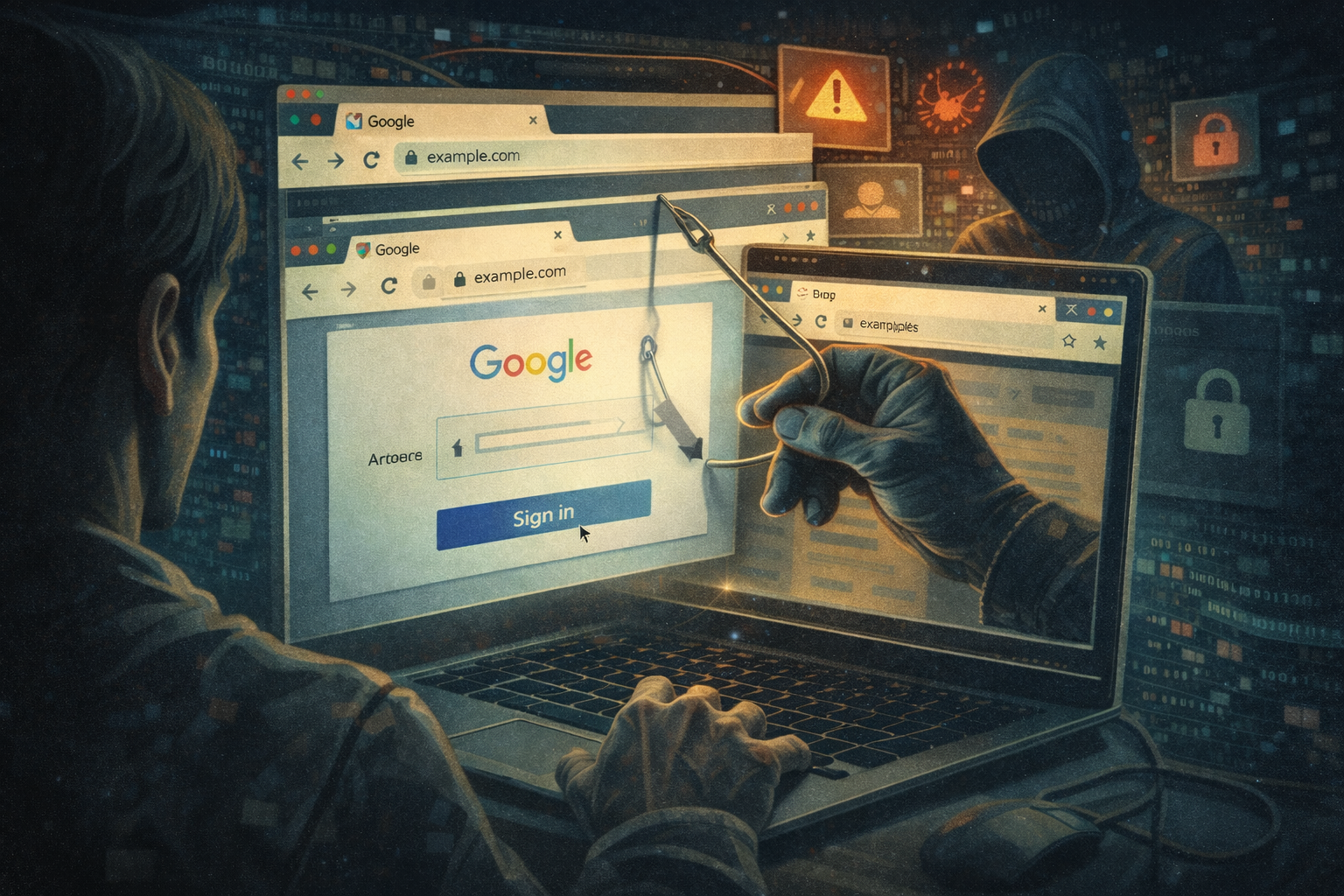
This article explains what browser in the browser attacks are, how they work, why they are so effective, and how you can protect yourself in a simple and practical way.
What is a Browser in the Browser Attack
A browser in the browser attack, often shortened as BitB attack, is a type of phishing technique where attackers create a fake browser window inside a real web page. This fake window looks exactly like a legitimate login popup from trusted platforms such as Google, Facebook, or Microsoft. When users click on a login button, instead of opening a real authentication window, the website displays a carefully designed imitation. It includes familiar elements like the address bar, padlock icon, and branding. Everything looks real, but it is actually part of the webpage itself. Once the user enters their credentials, the information is captured by the attacker.
How Did This Idea Start
For years, cybersecurity experts discussed the possibility of simulating browser windows within websites. It was technically possible using HTML, CSS, and JavaScript, but it was not widely used in real attacks. That changed when security researcher mr.d0x demonstrated how realistic these fake windows could be. The concept quickly gained attention because it showed that even experienced users could be tricked. Soon after, attackers began adapting the technique for real world phishing campaigns. What started as a proof of concept turned into a practical threat.
How Browser in the Browser Attacks Work
To understand why this attack is so effective, let us break it down step by step.
1. The Setup
The attacker creates a fake website or compromises an existing one. This site may look completely normal and even provide useful content to avoid suspicion.
2. The Trigger
The user clicks on a button like “Sign in with Google” or “Login with Microsoft.” This is where the deception begins.
3. The Fake Window
Instead of opening a real browser popup, the page displays a fake login window. It looks identical to a real authentication popup, including the URL bar and security indicators.
4. The Illusion
The fake window can be dragged, resized, and interacted with just like a real one. This makes it extremely convincing.
5. Credential Theft
When the user enters their username and password, the data is sent directly to the attacker.
6. The Cover
In some cases, the attacker redirects the user to the real login page afterward, making the experience seem normal. The victim may never realize what happened.
Why This Attack is So Dangerous
Browser in the browser attacks are dangerous because they exploit trust in familiar visual cues.
Most users have been trained to look for signs like the padlock icon or the correct URL. However, in this attack, those signs are part of the fake interface.
Here are the main reasons why this method works so well:
Visual Authenticity
The fake window is almost impossible to distinguish from a real one at a glance.
User Habit
People are used to logging in through popups, especially with social login options.
No Suspicious Links
Unlike traditional phishing, there may not be any obvious red flags like strange URLs.
Cross Platform Compatibility
These attacks can work on different browsers and devices without needing special software.
Real World Examples
Since its introduction, browser in the browser attacks have been observed in various phishing campaigns. Attackers have targeted services such as:
Google accounts
Microsoft Office 365
Online banking portals
Crypto wallets
Social media platforms
In many cases, the fake login window perfectly mimics the original service. Even the loading animations and fonts are carefully replicated.
Some attackers go even further by adding fake two factor authentication prompts, making the attack even more convincing.
How to Identify a Browser in the Browser Attack
Even though these attacks are advanced, there are still ways to spot them if you know what to look for.
Try Moving the Window Outside the Browser
A real popup can usually be dragged outside the main browser window. A fake one cannot.
Check the URL Carefully
Click inside the address bar. In a fake window, it is not interactive because it is just part of the design.
Look for Browser Behavior
Real popups behave differently from webpage elements. For example, right clicking or resizing may reveal inconsistencies.
Use Keyboard Shortcuts
Try using browser shortcuts. If they do not work as expected, the window might be fake.
Be Cautious with Social Logins
If a login request feels unexpected, pause and verify before entering credentials.
How to Protect Yourself
Protection does not require advanced technical knowledge. Simple habits can go a long way in preventing these attacks.
Use Password Managers
Password managers only autofill credentials on legitimate websites. If they do not recognize the site, it is a warning sign.
Enable Two Factor Authentication
Even if your password is stolen, an extra layer of security can prevent unauthorized access.
Avoid Clicking Unknown Login Buttons
Instead of using login buttons on random sites, go directly to the official website.
Keep Your Browser Updated
Modern browsers include security improvements that help detect suspicious behavior.
Verify Before You Trust
Take a moment to check whether the login request makes sense in the context of what you are doing.
What Businesses Should Do
Organizations also need to take this threat seriously. Protecting users is not just about security tools but also about awareness.
Educate Users
Inform customers and employees about this attack method and how to recognize it.
Use Strong Authentication Methods
Encourage the use of hardware keys or app based authentication instead of relying only on passwords.
Monitor for Phishing Campaigns
Regularly check for fake versions of your website and take them down quickly.
Implement Security Headers
Use modern web security practices to reduce the risk of your site being exploited.
The Future of Browser Based Attacks
Browser in the browser attacks are part of a larger trend where attackers focus on user interface deception rather than technical vulnerabilities. As browsers become more secure, attackers shift their attention to human behavior. Instead of breaking systems, they trick people into giving away access. We can expect these attacks to become even more sophisticated. Future versions may include better animations, real time interactions, and deeper integration with legitimate services. At the same time, security tools and awareness will continue to improve. The battle between attackers and defenders is ongoing.
Final Thoughts
Browser in the browser attacks show how far phishing techniques have evolved. What used to be easy to spot is now much harder to detect. The line between real and fake is becoming thinner. However, awareness remains the strongest defense. By understanding how these attacks work and staying alert, you can protect yourself and others. The internet will never be completely risk free, but with the right habits, you can stay one step ahead of even the most convincing threats. Stay cautious, stay informed, and always think before you click.

