The internet has made life easier in countless ways—shopping, banking, learning, and connecting with people across the globe. But with convenience comes risk. Cybercriminals are constantly finding new ways to trick users, and one of the more deceptive methods is the iFrame phishing attack.
If you’ve never heard of it, don’t worry. This guide breaks everything down in a simple, human way so you can understand how it works, why it’s dangerous, and most importantly, how to protect yourself.
What Is an iFrame Phishing Attack?
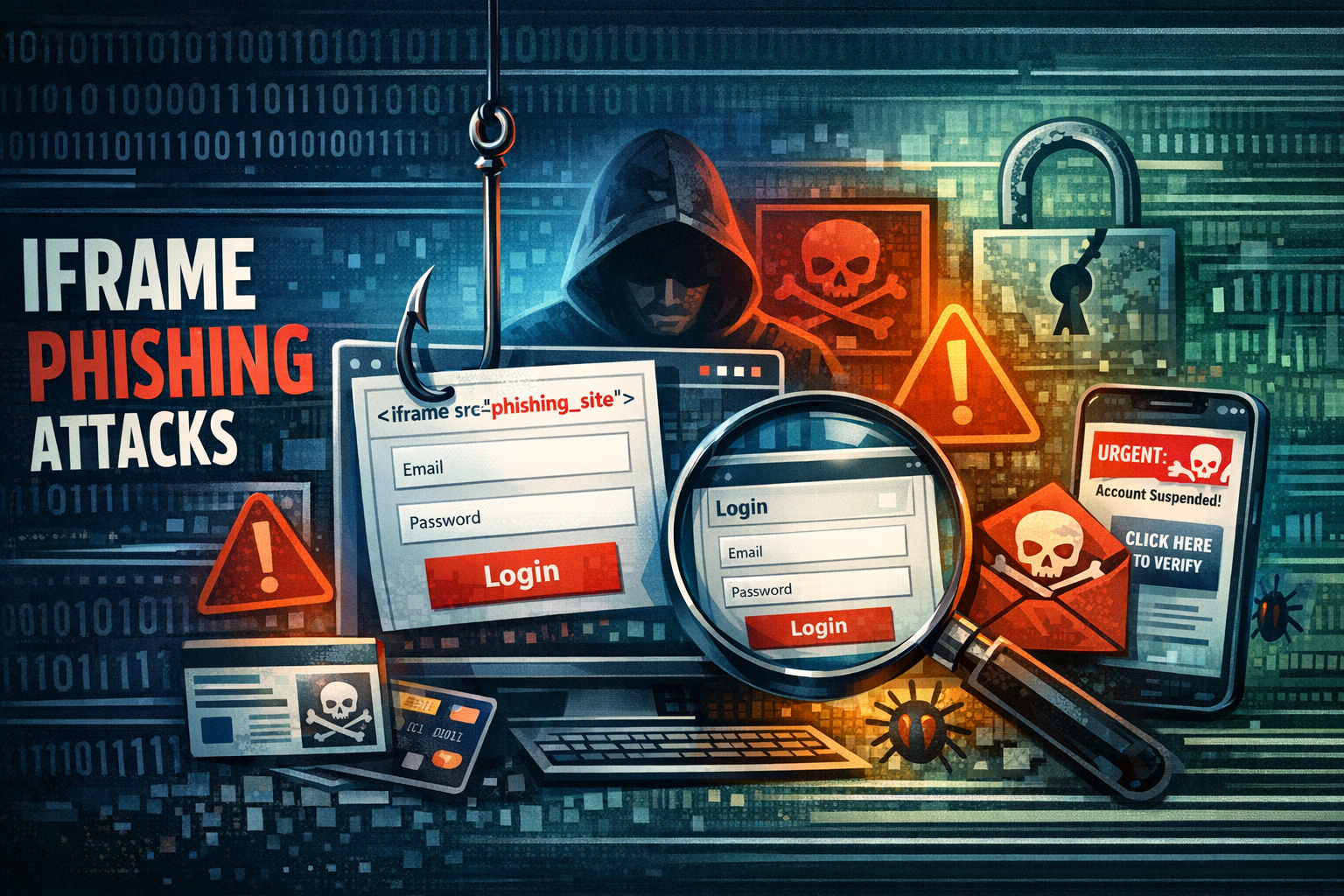
An iFrame (short for inline frame) is a basic HTML element used by developers to embed one webpage inside another. It’s commonly used for things like embedding videos, maps, or external content into a website. Now, here’s where things get risky. Hackers misuse this feature to secretly load malicious or fake pages inside legitimate-looking websites. These hidden frames can trick users into entering sensitive information like:
- Login credentials
- Credit card details
- Personal data
The scary part? You might not even realize you’re interacting with a fake page.
How iFrame Phishing Works
Let’s walk through a simple real-world scenario to understand it better.
Step 1: A Website Gets Compromised
A hacker injects malicious code into a website—sometimes a poorly secured blog, business site, or even a trusted platform.
Step 2: Hidden iFrame Is Added
The attacker inserts a hidden iFrame that loads a fake login page or malicious script. This iFrame may be invisible or cleverly designed to blend in.
Step 3: User Interaction
You visit the site and see what looks like a normal login form—maybe for your email, bank, or social media.
Step 4: Data Theft
You enter your details, thinking everything is safe. But instead, your information is sent directly to the attacker.
Why iFrame Phishing Is So Dangerous
iFrame phishing attacks are particularly dangerous because they are subtle and hard to detect. Unlike traditional phishing emails, these attacks happen directly on websites you trust.
Here’s why they are so effective:
1. They Look Legitimate
Since the attack happens within a real website, users are less suspicious.
2. No Need for Suspicious Links
Unlike email phishing, you don’t need to click a shady link. Just visiting the compromised site is enough.
3. Invisible to Users
Many iFrames are hidden or styled to look exactly like the original content.
4. Hard to Detect Without Tools
Most users won’t inspect page code or notice small changes in URL behavior.
Types of iFrame Phishing Attacks
Cybercriminals use different variations depending on their goal.
1. Hidden iFrame Injection
A completely invisible frame loads malicious content in the background. This can also be used to redirect users or load malware.
2. Overlay iFrame Attack
A fake login form is placed over a real page, making it appear genuine.
3. Clickjacking
An invisible iFrame is placed over buttons or links, tricking users into clicking something they didn’t intend to.
4. Payment Form Injection
Fake payment forms are embedded into e-commerce websites to steal card details.
Real-Life Example
Imagine you visit your favorite online shopping site. Everything looks normal. Suddenly, a popup appears asking you to log in again for “security reasons.”
You enter your username and password.
But what you didn’t know is that this login form was actually an iFrame loaded from a malicious server. Your credentials are now in the hands of a hacker.
Signs You Might Be Facing an iFrame Phishing Attack
While these attacks are stealthy, there are still some warning signs you can watch for:
- Unexpected login prompts
- Pages reloading strangely
- Forms appearing out of nowhere
- Slight differences in design or layout
- Browser behaving unusually slow or glitchy
If something feels off, trust your instinct. It’s better to double-check than regret later.
How Hackers Inject iFrames Into Websites
Understanding how attackers get in helps you understand how to stay safe.
1. Exploiting Vulnerabilities
Hackers target outdated software, plugins, or weak security systems.
2. Cross-Site Scripting (XSS)
They inject malicious scripts into websites that allow user input.
3. Weak Admin Credentials
If a website admin uses a weak password, attackers can gain full access.
4. Third-Party Scripts
Compromised external scripts (like ads or widgets) can be used to inject iFrames.
Impact of iFrame Phishing Attacks
These attacks can cause serious damage for both users and website owners.
For Users:
- Identity theft
- Financial loss
- Account hijacking
For Website Owners:
- Loss of trust
- SEO penalties
- Blacklisting by search engines
- Revenue loss
One small vulnerability can lead to massive consequences.
How to Protect Yourself as a User
You don’t need to be a cybersecurity expert to stay safe. Just follow these practical steps:
1. Check the URL Carefully
Before entering any sensitive information, always verify the website address.
2. Avoid Unexpected Login Requests
If a site suddenly asks you to log in again, be cautious.
3. Use Strong Passwords
Never reuse passwords across multiple platforms.
4. Enable Two-Factor Authentication (2FA)
Even if your password is stolen, 2FA adds an extra layer of protection.
5. Keep Your Browser Updated
Modern browsers have built-in protections against such attacks.
6. Use Security Extensions
Tools like ad blockers and anti-phishing extensions can help detect suspicious activity.
How Website Owners Can Prevent iFrame Attacks
If you run a website, protecting your visitors should be your top priority.
1. Use Content Security Policy (CSP)
This helps control which domains can be embedded in your site.
2. Implement X-Frame-Options
This prevents your site from being loaded inside an iFrame on another domain.
3. Regular Security Audits
Scan your website for vulnerabilities regularly.
4. Keep Software Updated
Outdated plugins and CMS platforms are easy targets.
5. Use Web Application Firewalls (WAF)
These can block malicious traffic before it reaches your site.
6. Monitor File Changes
Unexpected changes in website files can indicate a compromise.
Difference Between iFrame Phishing and Traditional Phishing
| Feature | iFrame Phishing | Traditional Phishing |
|---|---|---|
| Method | Embedded in websites | Email or messages |
| Visibility | Often hidden | More obvious |
| User Action | Just visiting site | Clicking a link |
| Detection | Harder | Easier |
This makes iFrame phishing more dangerous in many cases.
The Human Side of Cyber Attacks
Let’s be real for a moment.
Most people don’t think about cybersecurity until something goes wrong. You’re just browsing, shopping, or checking emails—and suddenly, your account is gone, or money disappears.That feeling of confusion and frustration is exactly what attackers rely on. They don’t hack computers—they trick people. And that’s why awareness is your strongest defense.
Future of iFrame Phishing Attacks
As technology evolves, so do cyber threats.
Attackers are now combining iFrame phishing with:
- AI-generated fake pages
- Advanced social engineering
- Real-time credential harvesting
This means attacks are becoming more convincing and harder to detect. But the good news? Security technologies are also improving. Staying informed is the key to staying safe.
Final Thoughts
iFrame phishing attacks may sound technical, but at their core, they are simple tricks designed to fool users into trusting something they shouldn’t. The internet isn’t unsafe—but it does require awareness. If you remember just a few things, let it be these:
- Don’t trust every form you see
- Always verify before entering sensitive data
- Keep your systems updated
- Stay alert
Because in today’s digital world, a small moment of caution can save you from a big problem.

