Cybercrime is evolving faster than ever, and phishing remains one of the most dangerous and widely used attack methods. Among the latest tools making waves in the cybersecurity world is the GhostFrame phishing kit. It has gained attention for its advanced capabilities, stealthy behavior, and ability to bypass traditional security measures.
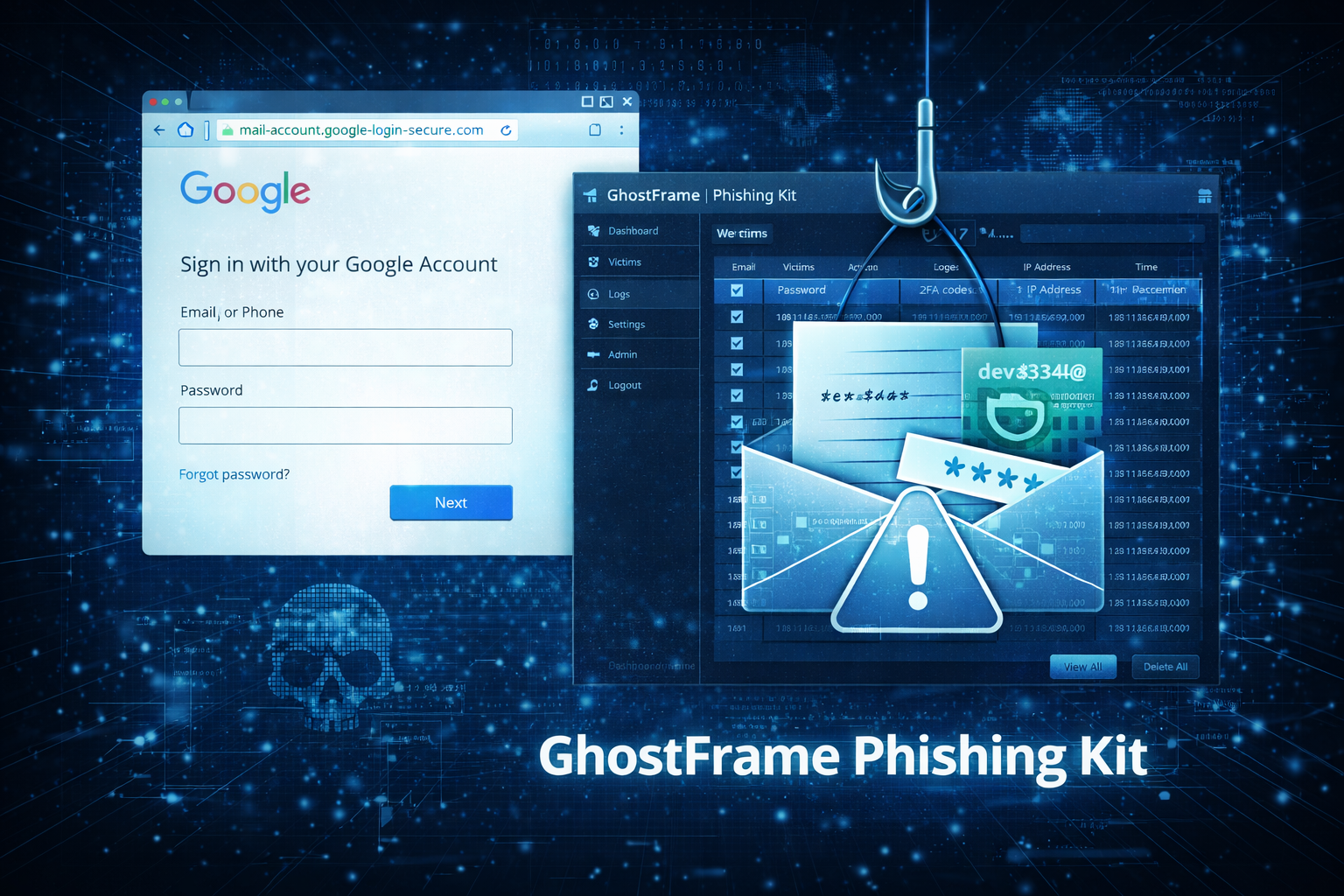
In this article, we’ll explore what GhostFrame is, how it works, why it’s so dangerous, and most importantly, how you can protect yourself and your organization.
What Is the GhostFrame Phishing Kit?
The GhostFrame phishing kit is a sophisticated toolkit used by cybercriminals to create highly convincing fake websites that trick users into revealing sensitive information. These websites often mimic popular services such as banking portals, email platforms, or social media login pages. Unlike older phishing kits, GhostFrame is designed with modern techniques that make detection more difficult. It is often sold or shared on underground forums, making it accessible even to attackers with limited technical skills. At its core, GhostFrame is not just a simple phishing page generator—it is a complete ecosystem that helps attackers:
- Design realistic login pages
- Capture user credentials in real time
- Evade detection by security tools
- Track victims and manage stolen data
How GhostFrame Works
Understanding how GhostFrame operates can help you recognize its threats more easily.
1. Creation of Fake Websites
GhostFrame allows attackers to clone legitimate websites with incredible accuracy. These clones often include:
- Official logos and branding
- Identical layouts and design
- Realistic domain names (e.g., slight spelling changes)
This makes it extremely difficult for users to distinguish between real and fake pages.
2. Delivery Through Phishing Campaigns
Once the fake website is ready, attackers distribute links through various channels such as:
- Email phishing campaigns
- SMS messages (smishing)
- Social media messages
- Fake advertisements
These messages are crafted to create urgency, such as:
- “Your account will be locked”
- “Suspicious login detected”
- “Verify your details now”
3. Credential Harvesting
When a victim enters their login information, GhostFrame captures the data instantly. This may include:
- Usernames and passwords
- Credit card details
- OTPs (one-time passwords)
- Personal identification information
Some advanced versions even support real-time session hijacking, allowing attackers to log in immediately using the stolen credentials.
4. Data Management Dashboard
GhostFrame typically includes a backend panel where attackers can:
- View stolen credentials
- Sort victims by region or service
- Export data for resale or further attacks
This makes it a powerful tool for organized cybercrime operations.
Why GhostFrame Is So Dangerous
GhostFrame stands out from traditional phishing kits due to several advanced features.
Advanced Evasion Techniques
GhostFrame often uses:
- CAPTCHA bypass mechanisms
- IP filtering (to avoid security researchers)
- Device fingerprinting
- Anti-bot protections
These features help it remain undetected for longer periods.
Real-Time Interaction
Unlike basic phishing kits, GhostFrame can interact with victims in real time. For example:
- Prompting for additional verification codes
- Mimicking multi-factor authentication flows
- Updating pages dynamically based on user input
This makes the attack feel more legitimate.
Ease of Use
Even beginners can use GhostFrame due to its user-friendly interface. This lowers the barrier to entry for cybercrime, increasing the number of attacks globally.
Scalability
Attackers can launch large-scale campaigns targeting thousands of users simultaneously. This increases the chances of success and financial gain.
Real-World Impact of GhostFrame Attacks
The consequences of GhostFrame phishing attacks can be severe.
Financial Loss
Victims may lose money directly through:
- Unauthorized bank transactions
- Credit card fraud
- Cryptocurrency theft
Identity Theft
Stolen personal data can be used to:
- Open fake accounts
- Commit fraud in the victim’s name
- Sell identities on the dark web
Business Risks
For organizations, the risks are even greater:
- Data breaches
- Loss of customer trust
- Legal and compliance issues
- Operational disruption
Common Signs of a GhostFrame Phishing Attack
While GhostFrame is advanced, there are still warning signs you can look for.
Suspicious URLs
- Slight misspellings (e.g., “g00gle” instead of “google”)
- Unusual domain extensions
- Extra characters or numbers
Urgent or Threatening Messages
Phishing messages often try to pressure you into acting quickly.
Unexpected Login Requests
If you receive a login request you didn’t initiate, it could be a phishing attempt.
Poor Grammar or Formatting
Although GhostFrame is more advanced, some campaigns still contain small errors.
Requests for Sensitive Information
Legitimate services rarely ask for sensitive details via email or SMS.
How to Protect Yourself from GhostFrame
Staying safe requires a combination of awareness and security practices.
1. Always Verify URLs
Before entering any information, check the website address carefully. Look for:
- HTTPS encryption
- Correct domain spelling
- Official domain names
2. Enable Multi-Factor Authentication (MFA)
Even if your password is stolen, MFA adds an extra layer of protection.
3. Use Strong, Unique Passwords
Avoid reusing passwords across multiple accounts. Consider using a password manager.
4. Keep Software Updated
Regular updates patch security vulnerabilities that attackers may exploit.
5. Be Cautious with Links
Never click on suspicious links, especially from unknown sources.
6. Use Security Tools
Install:
- Antivirus software
- Anti-phishing browser extensions
- Email filtering tools
7. Educate Yourself and Your Team
Awareness is one of the most effective defenses. Regular training can significantly reduce risks.
How Businesses Can Defend Against GhostFrame
Organizations need a proactive approach to cybersecurity.
Implement Email Security Solutions
Advanced email filters can detect and block phishing attempts before they reach users.
Conduct Regular Security Training
Employees are often the weakest link. Training helps them recognize threats early.
Monitor Network Activity
Unusual login attempts or data transfers should be flagged immediately.
Use Zero Trust Architecture
Verify every user and device before granting access to systems.
Incident Response Planning
Have a clear plan in place to respond quickly to any security breach.
The Future of Phishing Kits Like GhostFrame
Phishing kits are becoming more advanced with the integration of new technologies.
AI-Powered Phishing
Future kits may use AI to:
- Generate more convincing messages
- Personalize attacks
- Automate campaigns
Increased Automation
Attackers will continue to automate processes, making attacks faster and more efficient.
Greater Accessibility
As tools become easier to use, more individuals may engage in cybercrime.
Final Thoughts
The GhostFrame phishing kit represents a new level of sophistication in cyber threats. It combines advanced technology with ease of use, making it a powerful tool for attackers. However, awareness and proactive security measures can significantly reduce the risk. By staying informed, verifying suspicious activity, and using modern security practices, you can protect yourself and your organization from becoming a victim. Cybersecurity is no longer optional—it’s essential. And in a world where tools like GhostFrame exist, staying one step ahead is the only way to stay safe.

