In today’s fast-moving digital world, we rely heavily on our smartphones for everything—banking, communication, travel, and even identity verification. But with convenience comes risk. One growing cyber threat that many people still overlook is juice jacking.
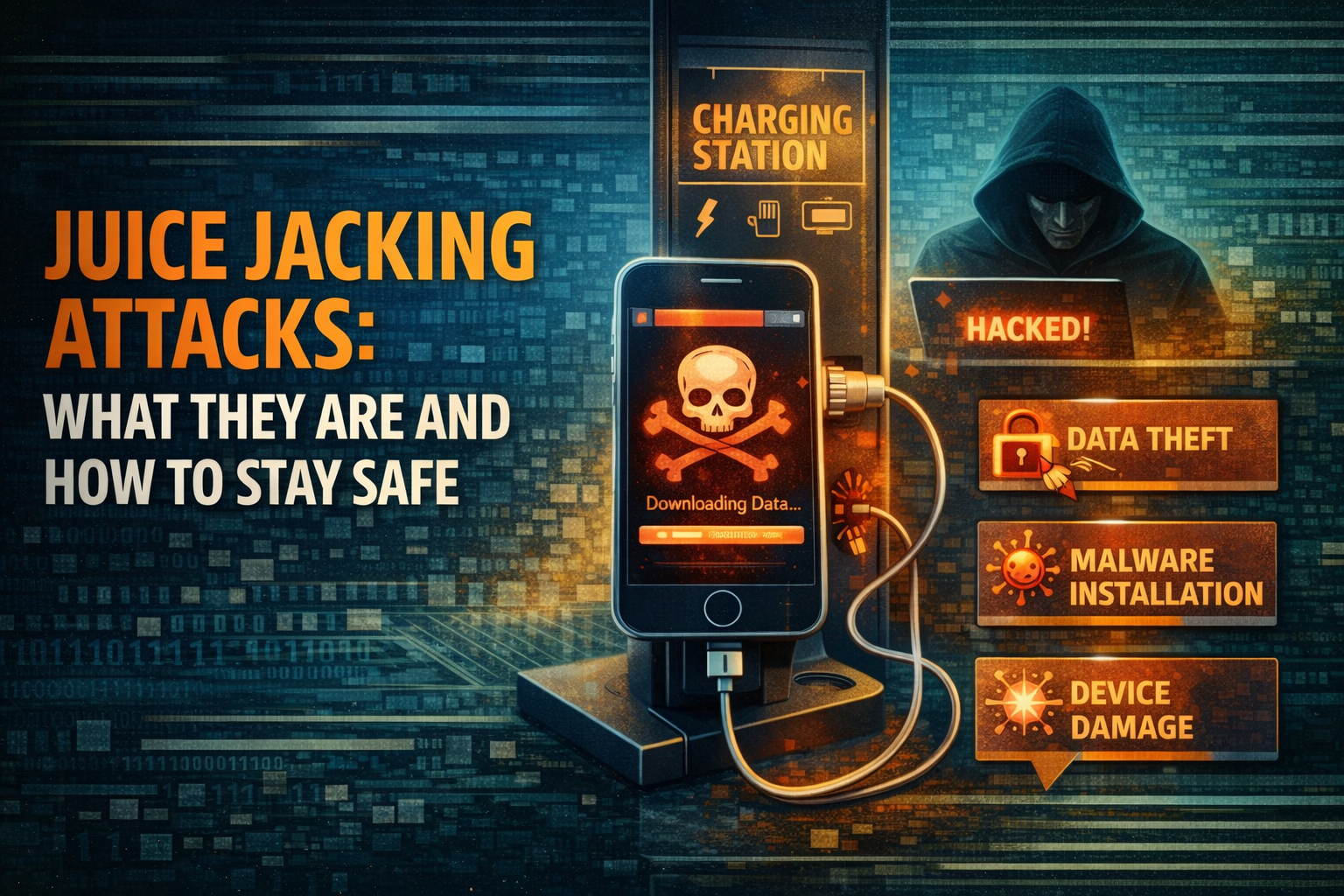
It may sound harmless or even funny, but juice jacking attacks can quietly steal your data or infect your device without you even realizing it. All it takes is plugging your phone into the wrong USB charging port. This guide explains everything in a simple, human way—what juice jacking is, how it works, why it’s dangerous, and most importantly, how you can protect yourself.
What Is Juice Jacking?
Juice jacking is a type of cyberattack where hackers use compromised USB charging stations to steal data or install malware on your device.
These charging stations are often found in:
- Airports
- Railway stations
- Hotels
- Shopping malls
- Cafes
- Public transportation hubs
When you connect your phone to one of these USB ports, you are not just transferring power—you may also be allowing data transfer. That’s where the danger begins.
Why It’s Called “Juice Jacking”
The term comes from two ideas:
- “Juice” = power or battery charging
- “Jacking” = hijacking or stealing
So, juice jacking literally means stealing data while charging your device.
How Juice Jacking Works
Most people assume that USB ports are only for charging, but they can also transfer data. Attackers take advantage of this dual function.
Here’s how a typical juice jacking attack works:
1. Compromised Charging Station
Hackers either:
- Install malware inside a public USB port, or
- Replace legitimate charging stations with fake ones
2. User Connects Device
You plug your phone into the USB port, thinking you’re just charging.
3. Silent Data Access
The compromised port:
- Requests data access
- Installs malware
- Copies files from your phone
Sometimes, your phone may show a prompt like:
“Trust this device?”
If you click “Yes,” the attacker gets full access.
4. Data Theft or Device Infection
The attacker can now:
- Steal contacts, photos, and files
- Capture login credentials
- Install spyware or keyloggers
- Track your activity
And the worst part? It often happens silently.
Types of Juice Jacking Attacks
Juice jacking is not just one technique—it comes in multiple forms.
1. Data Theft
Attackers extract:
- Emails
- Passwords
- Banking details
- Personal documents
2. Malware Installation
Malicious software is installed that can:
- Spy on your activity
- Record keystrokes
- Control your device remotely
3. Ransomware Attacks
Your phone may get locked, and attackers demand money to unlock it.
4. Credential Harvesting
Hackers collect login information for:
- Social media
- Banking apps
- Email accounts
Real-World Risk: Is Juice Jacking Common?
While large-scale confirmed cases are limited, cybersecurity experts widely agree that the risk is real and growing. Governments and agencies have already issued warnings about public USB charging stations. The reason is simple:
It’s easy to exploit and hard for users to detect. As public infrastructure becomes more connected, these attacks could become more common.
Why Juice Jacking Is Dangerous
Juice jacking is dangerous because it targets something we all do daily—charging our phones.
Here’s why it’s a serious threat:
1. No Visible Warning
Most attacks happen silently without alerts.
2. High-Value Data Target
Your phone contains:
- Personal photos
- Financial apps
- OTP messages
- Passwords
3. Instant Access
Once connected, attackers can act quickly—sometimes within seconds.
4. Difficult to Trace
Victims often don’t realize where the breach happened.
Signs Your Device May Be Compromised
After using a public charging station, watch for these signs:
- Sudden battery drain
- Unknown apps installed
- Slow performance
- Unexpected pop-ups
- Data usage spikes
- Strange messages sent from your phone
If you notice any of these, your device might be compromised.
How to Protect Yourself from Juice Jacking
The good news is that protecting yourself is simple if you follow a few smart habits.
1. Avoid Public USB Charging Ports
This is the easiest and most effective step.
Instead:
- Use your own charger
- Plug into a wall outlet
2. Carry a Power Bank
A power bank is your best friend when traveling. It eliminates the need to use public ports.
3. Use a USB Data Blocker
Also called a “USB condom,” this small device:
- Allows charging only
- Blocks all data transfer
4. Use Your Own Cable and Adapter
Never rely on cables provided at public stations.
5. Enable “Charge Only” Mode
Some phones allow you to:
- Disable data transfer
- Charge safely
6. Keep Your Device Locked
Always lock your phone before plugging it in.
7. Update Your Software
Regular updates fix security vulnerabilities that attackers may exploit.
8. Avoid Clicking “Trust”
If your phone asks:
“Trust this device?”
Always select No unless you’re sure it’s safe.
Android vs iPhone: Are Both at Risk?
Yes, both Android and iPhones can be affected.
Android Devices
- More flexible but sometimes less restricted
- May allow automatic data transfer
iPhones
- More secure by default
- Require user permission for data access
However, no device is completely immune.
Common Myths About Juice Jacking
Let’s clear up some confusion.
Myth 1: “It only happens in movies”
False. The technology exists and is already used in controlled tests.
Myth 2: “Charging equals safety”
Wrong. USB connections can transfer data too.
Myth 3: “My phone is too new to be hacked”
Even the latest devices can be vulnerable.
Myth 4: “It only affects travelers”
Anyone using public charging stations is at risk.
What to Do If You Suspect Juice Jacking
If you think your device has been compromised:
1. Disconnect Immediately
Unplug your device from the charging station.
2. Run a Security Scan
Use a trusted antivirus or security app.
3. Change Passwords
Update passwords for:
- Banking
- Social media
4. Enable Two-Factor Authentication
This adds an extra layer of security.
5. Backup and Reset
If the issue persists:
- Backup your data
- Perform a factory reset
Juice Jacking vs Other Cyber Threats
Juice jacking is just one piece of the cybersecurity puzzle.
Here’s how it compares:
| Threat Type | Method | Risk Level |
|---|---|---|
| Phishing | Fake emails/messages | High |
| Malware | Malicious downloads | High |
| Juice Jacking | USB charging ports | Medium–High |
| Public Wi-Fi | Network interception | High |
Each threat requires awareness and prevention.
Why Awareness Matters
The biggest problem with juice jacking is not the technology—it’s the lack of awareness.
Most people:
- Trust public charging stations
- Don’t understand USB risks
- Ignore security prompts
By simply being aware, you reduce your risk dramatically.
Simple Safety Checklist
Before plugging your phone into any USB port, ask yourself:
- Is this a trusted location?
- Do I have my own charger?
- Can I use a wall socket instead?
- Am I okay with potential data risk?
If any answer feels uncertain, don’t plug in.
The Future of Juice Jacking
As technology evolves, so do cyber threats.
Future risks may include:
- Faster data extraction
- AI-powered attacks
- Hidden malware in smart charging stations
At the same time, security is also improving with:
- Better device permissions
- Safer USB standards
- Public awareness campaigns
Still, human caution remains the strongest defense.
Final Thoughts
Juice jacking attacks may not be as widely discussed as other cyber threats, but they are real, practical, and potentially damaging.
The idea is simple:
Never trade your data for a few minutes of battery life.
A small decision—like avoiding a public USB port—can protect your:
- Personal information
- Financial data
- Digital identity
In a world where everything is connected, staying safe is not about fear—it’s about smart habits. So next time your battery is low and you see a public charging station, pause for a second. Because sometimes, the most convenient option can also be the most dangerous.


i could use serious help
love to you