QR codes have become part of our daily routine. From making payments at local shops to checking menus at restaurants, a quick scan saves time and effort. But this convenience has also opened the door to a new kind of cyber threat known as quishing. If you think scanning a QR code is always safe, it’s time to look a little closer.
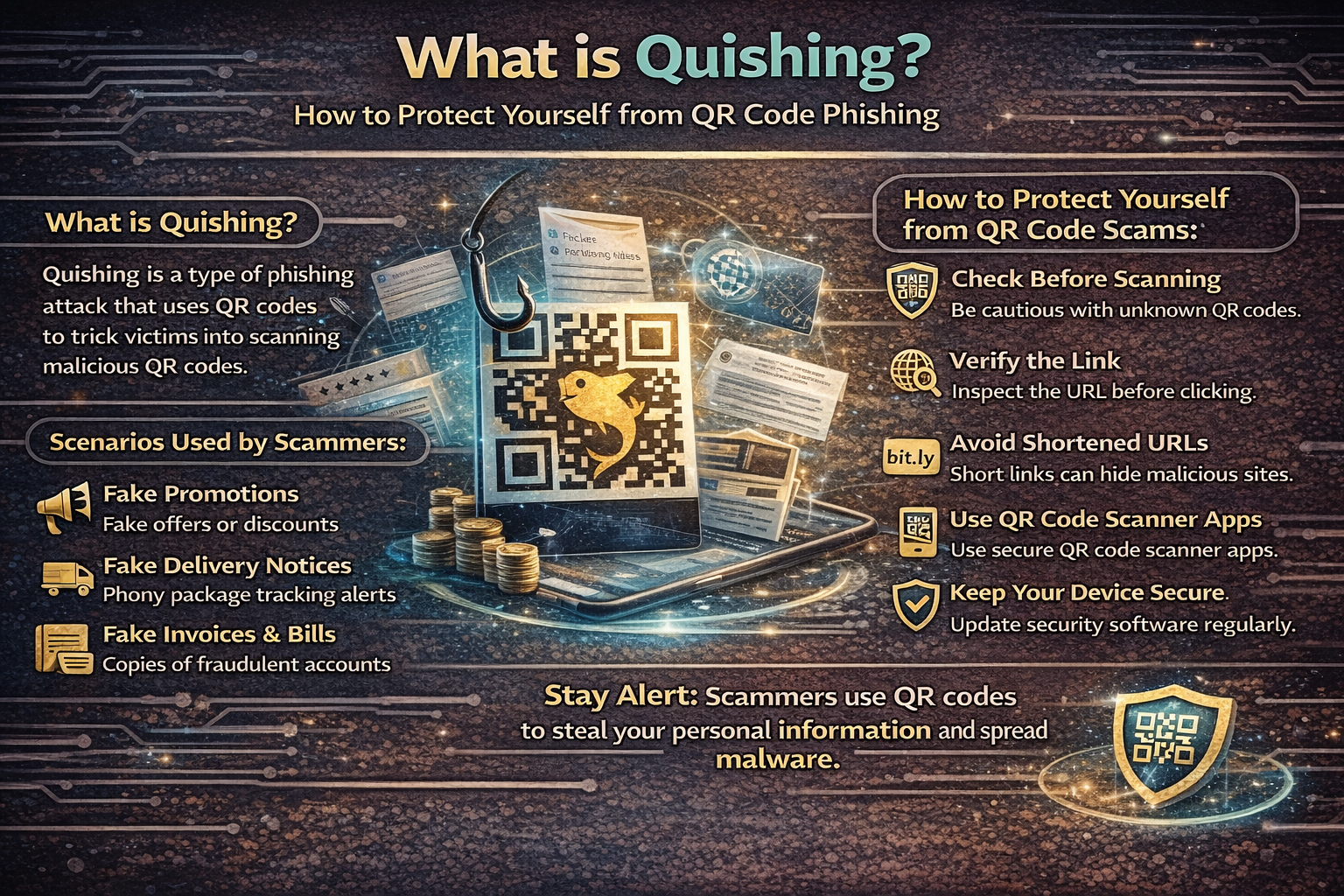
What is Quishing?
Quishing is a form of phishing attack that uses QR codes to trick people into visiting malicious websites or taking unsafe actions. Instead of sending a suspicious link in an email or message, attackers embed harmful links inside QR codes. When you scan the code, your device automatically opens the link, which may lead to a fake website or initiate a harmful download. Because QR codes hide the actual URL, users often trust them more than they should.
Why Quishing is Becoming Popular
Cybercriminals are always looking for easier ways to bypass security systems and human judgment. Quishing works well because:
-
QR codes are widely used and trusted
-
People rarely question where a code leads
-
Mobile devices don’t always show full URLs clearly
-
It’s easy to create and distribute QR codes
This combination makes quishing both simple and highly effective.
How Quishing Attacks Happen
Understanding how these attacks work can help you avoid them.
Fake QR Code Creation
Attackers generate a QR code that directs users to a malicious destination. This could be a fake login page, a payment portal, or a malware download.
Strategic Placement
The fake QR code is placed where people are likely to scan it, such as:
-
Posters and public notice boards
-
Restaurant tables
-
Parking machines
-
Emails or online ads
Sometimes, scammers place their code over an existing legitimate one.
Triggering the Action
Users scan the QR code expecting something useful. Instead, they are:
-
Asked to log in
-
Prompted to make a payment
-
Encouraged to download an app
Data Theft or Device Compromise
Once the user interacts with the malicious page, attackers collect sensitive information or infect the device.
Common Types of Quishing Scams
Quishing attacks can take many forms. Here are some of the most common ones:
Payment Scams
Fake QR codes redirect users to fraudulent payment pages, often mimicking trusted platforms.
Login Credential Theft
Users are sent to fake websites that look like banks, email services, or social media platforms.
Malware Distribution
Scanning the code may trigger a download of harmful software onto your phone.
Account Verification Tricks
Scammers ask users to “verify” their account by scanning a QR code, leading to credential theft.
Warning Signs You Should Never Ignore
Quishing relies on quick actions and blind trust. Spotting these red flags can save you:
Suspicious Placement
If a QR code looks like it has been pasted over another one or appears out of place, avoid scanning it.
Urgency Tactics
Messages like:
-
“Scan now to avoid penalty”
-
“Limited time offer”
-
“Immediate action required”
are often designed to pressure you into acting without thinking.
Unfamiliar Websites
After scanning, check:
-
Does the URL look strange or misspelled?
-
Is the website poorly designed?
-
Is there no secure connection (HTTPS)?
Requests for Sensitive Data
Legitimate services rarely ask for passwords or financial details immediately after scanning a QR code.
How to Protect Yourself from Quishing
Staying safe doesn’t require technical expertise—just awareness and smart habits.
Think Before You Scan
Pause for a moment before scanning any QR code. Ask yourself if it’s necessary and trustworthy.
Check the Source
Only scan codes from reliable sources. Be cautious with codes found in public places or shared through unknown messages.
Inspect the URL
After scanning, look carefully at the link before proceeding. If it looks suspicious, close it immediately.
Avoid Entering Sensitive Information
Never enter passwords, banking details, or OTPs on a page opened through a QR code unless you are completely sure it’s legitimate.
Use Trusted Apps
For payments or account access, use official apps instead of scanning QR codes whenever possible.
Keep Your Device Updated
Regular updates ensure your phone has the latest security patches to defend against threats.
Use Mobile Security Tools
Installing a reliable security app can help detect malicious links and downloads.
Be Careful with Messages
If someone sends you a QR code via email, SMS, or messaging apps, verify its authenticity before scanning.
What to Do If You Scan a Malicious QR Code
If you suspect that you’ve interacted with a harmful QR code, act quickly.
Change Your Passwords
Update login credentials for any accounts you accessed.
Contact Your Bank
If financial information was involved, inform your bank immediately.
Scan Your Device
Use a security app to check for malware or suspicious activity.
Enable Extra Security
Turn on two-factor authentication for important accounts.
Report the Incident
Inform relevant platforms or cybercrime authorities to help prevent further attacks.
Why Awareness Matters More Than Ever
Quishing is not just a technical issue—it’s a human one. It works because people trust what they see and act quickly without verifying. As QR codes continue to grow in popularity, so will the risks associated with them. The responsibility to stay safe lies not only with technology but also with user awareness.
Final Thoughts
Quishing is a modern twist on an old scam. Instead of suspicious links, attackers now use QR codes to hide their intentions and catch users off guard. The solution is simple but powerful: stay alert and don’t scan blindly. Every QR code is a doorway. Make sure you know where it leads before you step through.

